BLACK FRIDAY - ALL BOOSTING IS 25% OFF - USE CODE: BLACK25

Days
Hours
Minutes
Seconds
1

SELECT YOUR DESIRED NUMBER OF CASES

AL MAZRAH (S1)

ASHIKA ISLAND (S2)

KOSCHEI COMPLEX (S3)

BUILDING 21

VONDEL

HEATED MADNESS PARTS

2

Select Platform

checkout

-
APPROXIMATE COMPLETION
-
ACTIVE BOOSTERS
19

EXPRESS ORDER (+20%)

STREAMING (+5$ or 15%)

PAY HALF NOW, HALF AT 50%

APPEAR OFFLINE (FREE)

specific booster

store credit (0$)

store credit

quantity discount

coupon code

total
... $
... $
USD $
USD $
EUR €

Login and checkout to get in cashback* !

4.9 / 5 23,444 customer reviews

VETTED PROFESSIONAL BOOSTERS

Hand-picked boosters for every service


FAST STARTING TIMES

Average starting time: 11 minutes


DEDICATED DAILY BOOSTING

Up to 9 hours of boosting per day

MW2 DMZ Weapon Cases Boosting FAQ

MW2 DMZ Weapon Cases Boosting is a legacy Modern Warfare 2 / Warzone 2 service for extracting Weapon Cases and unlocking their associated DMZ rewards. Choose the Weapon Case progress you still need from supported legacy locations such as Al Mazrah, Ashika Island, Building 21, Vondel, and Koschei Complex, and an experienced DMZ player completes the required extractions through manual gameplay.
Yes. This page is specifically for the original MW2 / Warzone 2 DMZ Weapon Case system. It covers the legacy DMZ Beta content from Modern Warfare II and is not a Modern Warfare 4 Weapon Case service.
No. These Weapon Cases belong to the legacy MW2 / Warzone 2 DMZ reward system. Modern Warfare 4 DMZ uses a newer progression structure built around systems such as the FOB, DMZ Player Levels, Orders, Story Missions, Weapon Manuals, Recipes, Operators, and other MW4-specific progression. This page is only for the older MW2 DMZ Weapon Case rewards.
Supported legacy Weapon Case progression can include Al Mazrah, Ashika Island, Building 21, Vondel, and Koschei Complex where available in the service calculator. Select the location and remaining Weapon Case rewards you still need.
The Weapon Case must be obtained during the relevant legacy MW2 DMZ deployment and then successfully extracted. Each successful eligible extraction advances the reward track for that location. Simply picking up the case without completing the exfil does not award the extraction reward.
Yes. Legacy MW2 DMZ Weapon Case locations use multiple extraction rewards, so completing the full reward track requires more than one successful Weapon Case extraction. Select only the remaining number of extractions you need when configuring your order.
Yes. Previously unlocked Weapon Case rewards remain on your account. Select the remaining legacy MW2 DMZ Weapon Case progress you still need and the booster continues from your current reward track rather than intentionally repeating completed extractions.
Yes, where the individual extraction option is available. You can purchase only the Weapon Case extractions you still need instead of completing the entire legacy reward track from the beginning.
Legacy MW2 DMZ Weapon Case reward tracks include items such as Weapon Blueprints, Operator Skins, Calling Cards, Emblems, Weapon Stickers, Weapon Charms, Loading Screens, and other cosmetics. The exact reward depends on the legacy DMZ location and how many Weapon Cases you have already extracted from that reward track.
Yes. The major legacy MW2 DMZ locations have their own Weapon Case reward progression. Extracting a case from one location does not automatically complete the reward track from another, so select the specific map or location whose rewards you still need.
No. Heated Madness is a separate Koschei Complex blueprint unlock, not a normal Weapon Case reward. The full Kastov 762 Heated Madness Blueprint requires successfully extracting 5 separate weapon parts from Koschei Complex. It should be treated separately from the legacy Weapon Case extraction reward tracks.
Weapon Cases are high-risk legacy DMZ objectives. The case must first be secured from its required boss, location, or event and then carried to a successful extraction. Carrying a Weapon Case can also attract attention from enemy Operators, making the exfil part of the challenge.
Legacy MW2 DMZ Weapon Cases are completed through manual Modern Warfare 2 / Warzone 2 DMZ gameplay. The booster obtains the required Weapon Case and successfully extracts it according to the rules of the selected legacy location.
Completion time depends on the legacy location selected, the number of Weapon Case extractions remaining, boss or event requirements, deployment length, PvP encounters, and successful exfils. One remaining case generally requires less time than completing an entire reward track.
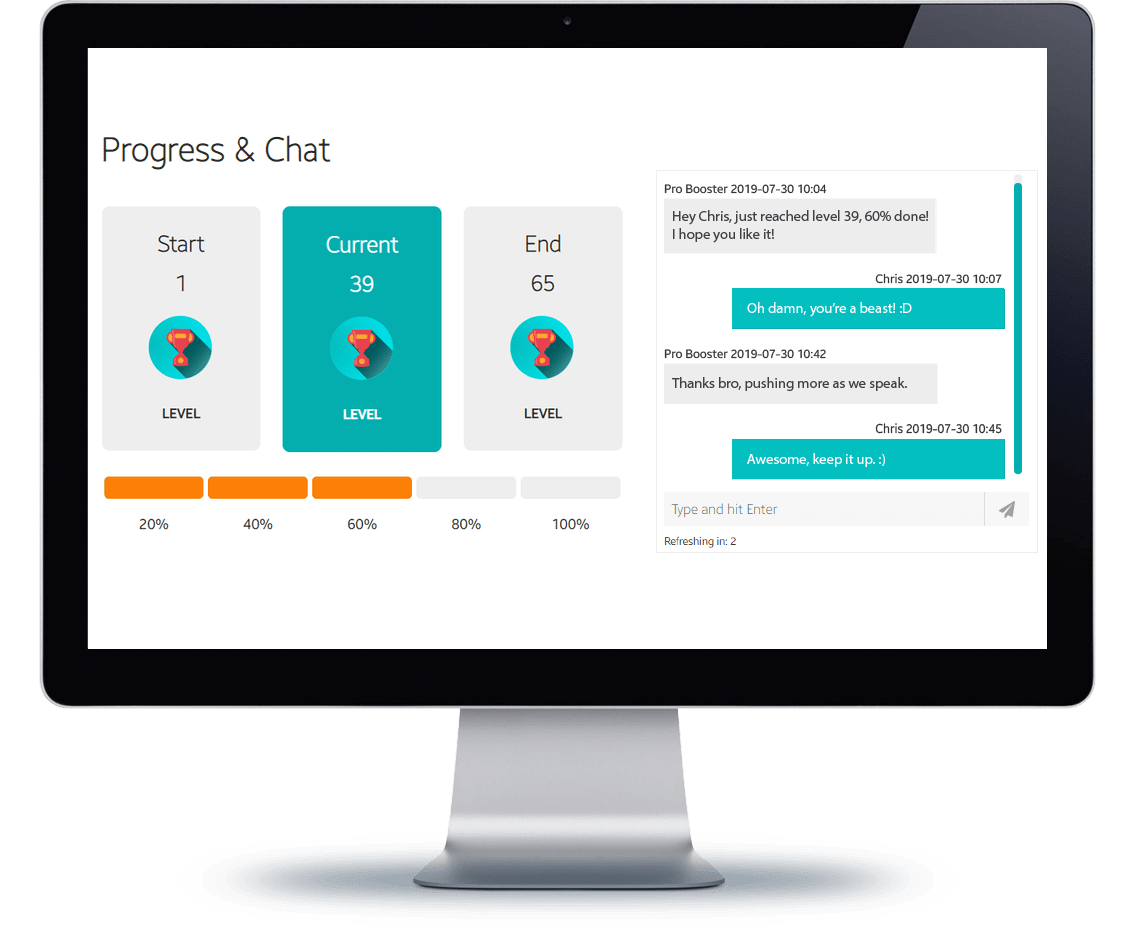
Yes. After checkout, you receive access to your personal order tracking page where you can follow your legacy Weapon Case progress, leave instructions, and communicate directly with the player assigned to your MW2 DMZ order.
After checkout, confirm the legacy MW2 / Warzone 2 DMZ location and the Weapon Case rewards or extractions still missing from your account. Your order is then assigned to a suitable legacy DMZ player, who secures and extracts the required cases while you follow progress through your tracking page.

Don't just take our word for it, see what our customers say about us

MW2 DMZ Weapon Cases Boosting

This service is specifically for the legacy Modern Warfare 2 / Warzone 2 DMZ Weapon Case system. Weapon Cases were high-value extraction objectives found across locations such as Al Mazrah, Ashika Island, Building 21, Vondel, and Koschei Complex, with each successful extraction progressing that location's unique reward track.

Choose the legacy MW2 DMZ Weapon Case progress you still need and our experienced players will secure the required cases and successfully extract them through manual gameplay. Existing rewards remain counted, so if you have already completed part of a location's Weapon Case track, the order can focus only on the remaining extractions.

We currently support legacy MW2 DMZ Weapon Case progression for:

- Al Mazrah Weapon Cases
- Ashika Island Weapon Cases
- Building 21 Weapon Cases
- Vondel Weapon Cases
- Koschei Complex Weapon Cases

Looking for current Modern Warfare 4 DMZ progression? This page covers the older MW2 / Warzone 2 DMZ system only. For current MW4 DMZ services, visit our MW4 DMZ services.

Camo boost soldier
Soldier Safe

Manual legacy MW2 DMZ Weapon Case completion

HIGH-END SSL
SECURITY

Information submitted through your Boosting Factory order is protected with SSL encryption while being transmitted through our platform.

MANUAL
GAMEPLAY

Legacy MW2 DMZ Weapon Cases are obtained and extracted through normal gameplay without bots, cheats, scripts, hacks, or unauthorized gameplay automation.

EXACT
PROGRESS

Select the legacy Weapon Case rewards or extractions you still need and the booster focuses on the remaining MW2 DMZ progression.

What happens after I order MW2 DMZ Weapon Cases?

After checkout, you receive access to your personal order tracking page and your legacy MW2 DMZ Weapon Case order becomes available to suitable players.

Confirm the Al Mazrah, Ashika Island, Building 21, Vondel, or Koschei Complex Weapon Case progression included with your order and tell us which rewards you already have. From your tracking page, you can leave instructions, communicate directly with your booster, and follow the remaining Weapon Case extractions.

The assigned player then secures and successfully extracts the required legacy MW2 DMZ Weapon Cases until the purchased reward progress is completed.

What Happen?

Save on future Call of Duty services

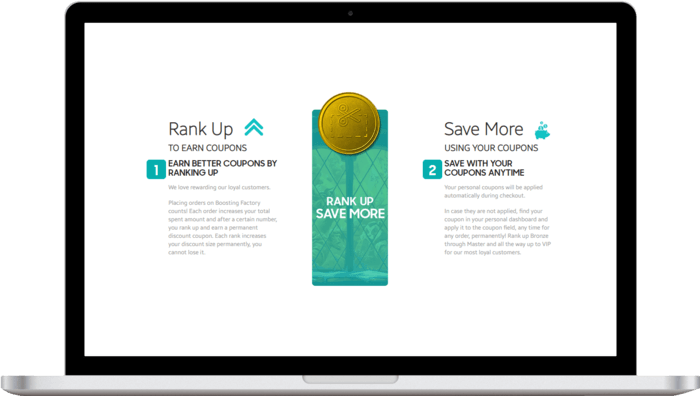
Eligible completed orders contribute toward your Boosting Factory loyalty progress, helping returning customers unlock larger discounts for future services.

Loyalty benefits can be used across legacy MW2 services as well as supported Modern Warfare 4, Warzone, DMZ, Multiplayer, camo, progression, and other Call of Duty services. Referral benefits can also provide store credit toward future purchases when eligible.

Boosting savings

Need help?

get in touch

approximate
completion time

2 - 3 days

ACTIVE BOOSTERS

19

store credit (0$)

Total:...

USD $
USD $
EUR €
Total
You've blocked notifications. Please click on the lock pad icon in the address bar, then set "Notifications" permission to "Ask(default)". Refresh the page.
Notifications are already enabled! If you don't see them check your browser and OS settings again.