Marvel Rivals Unrated Games Boost
Grind your desired amount of unrated games fast
Marvel Rivals Unrated Boosting FAQ
Don't just take our word for it, see what our customers say about us
Review
 SOOOO GOOD SO FAST HIGHLOBBIES INSANE
Review
Lyonstr is a very strong player. He gives tips, and gets the games done fast. Will use this service again for sure.
Review
very quick did two order in one day for me
Review
quick and accurate. trustable services
Review
Absolute blast! Amazing experience, leveled up lots and had fun doing it
Review
Great booster, very friendly and fast!
Review
Amazing. did the order super quickly.
Review
Kelvin wins games. he's always cheerful and happy to work with you to get the wins
Review
Good communication. Great booster en kind person. Thankyou
Review
Booster provided fast service and I was happy with the service I got, I was a bit skeptical but I was proven wrong.
Review
Amazing booster. Helpful and hard carry
Review
Fast and excellent Booster, gameplay is fun to watch
Marvel Rivals Unrated Games Service
Get a Marvel Rivals unrated games boost from Boosting Factory to win Quick Matches, Conquest, or Doom Matches with the push of our pro booster. Our service pairs you with pro players who will handle your account or play with you while getting wins or games played in unrated mode. We ensure a secure, confidential process, so you can sit back and enjoy the results. Trust Boosting Factory for a smooth, reliable boost and an elevated gaming experience in Marvel Rivals unranked games.
REWARDS
- Desired number of games or wins
- Higher MMR
- Tips from the booster if you ask him
ORDER SPEED
- Normal — available boosters will work on a first-come, first-served basis;
- Express — a separate and always free team will complete the Marvel Rivals unrated games boost order 20% faster.
We keep your account safe and anonymous at all times
NEXT-GEN SSL
SECURITY
Our next-gen website is secured with the latest SSL security protocol that encrypts the data between you and the server.
VPN SECURED
ORDERS
When playing on your account, our boosters use paid VPN services on your orders to imitate your IP and protect your account from suspensions.
QUIET
BOOSTERS
Our boosters will never talk to your friends during a Diablo 4 leveling order to keep your boost completely safe and anonymous.
Create a perfect order according to your needs
Not every gamer has the time to grind through Marvel games to improve their match history, stats, and boost their Marvel Rivals rank. When you mix a busy schedule with tedious farming, it can really take a toll on your real life. That’s where we come in—with options like watching a pro play via private live stream or getting your order done with express speed, we’ve got you covered.
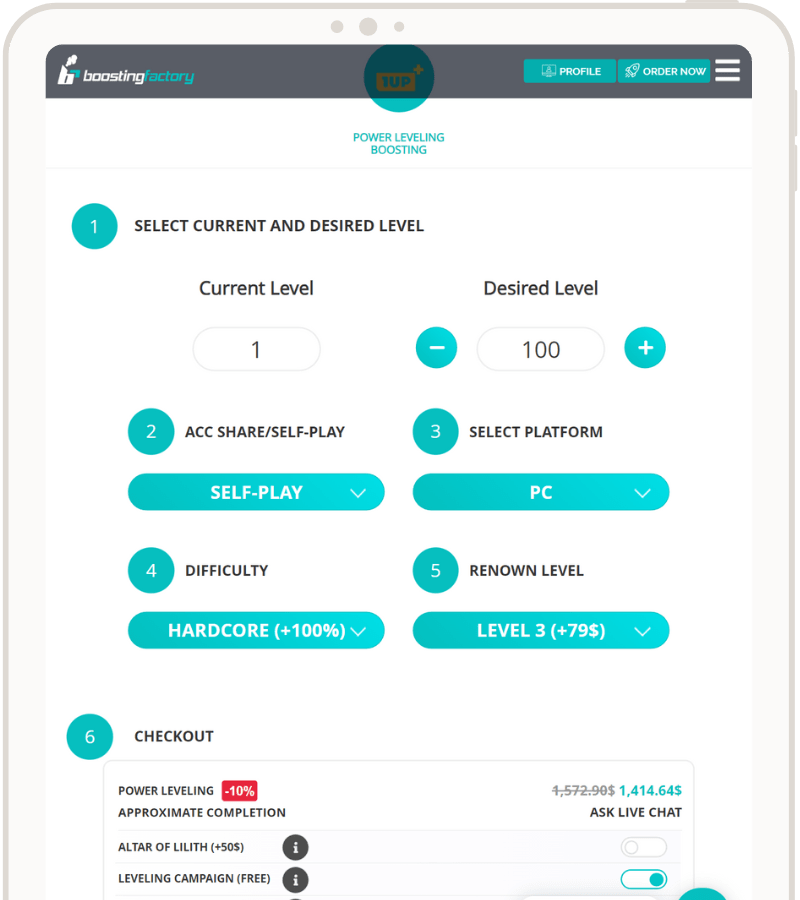
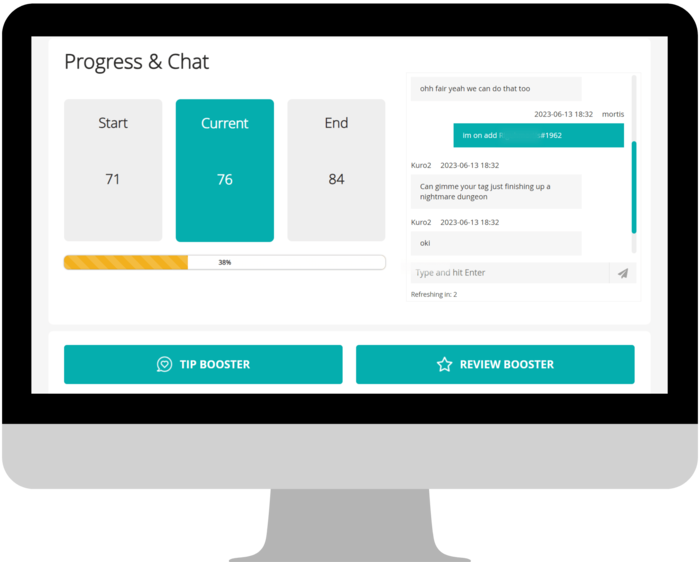
Our advanced Marvel Rivals boost platform lets you schedule your order, pause it anytime, watch the pro play your chosen character list, and make special requests. Just let us know, and we’ll make it happen!
Loyalty program designed for you
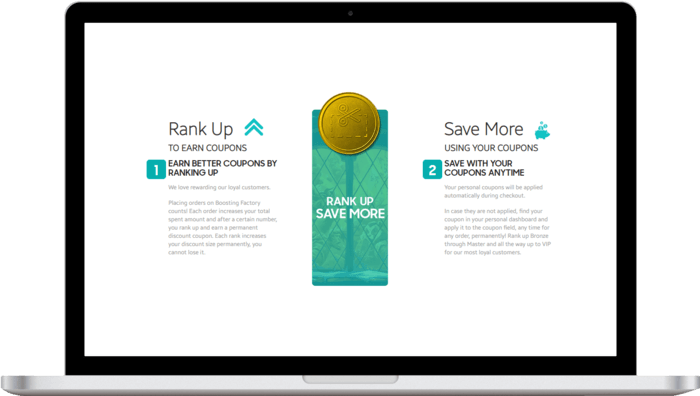
Customer satisfaction is our top priority, and nothing makes us happier than seeing returning customers. That’s why we’ve created a loyalty program to give back to our most dedicated players.
Every member of our Marvel Rivals boosting platform has a personal loyalty ranking, which grows with each purchase. The rankings range from Bronze to Grandmaster, and each time you level up, you’ll earn a bigger discount coupon for future orders. Plus, if you refer a friend, both of you get store credit cash to use whenever you want!
Total:...
 Secure & Safe Checkout