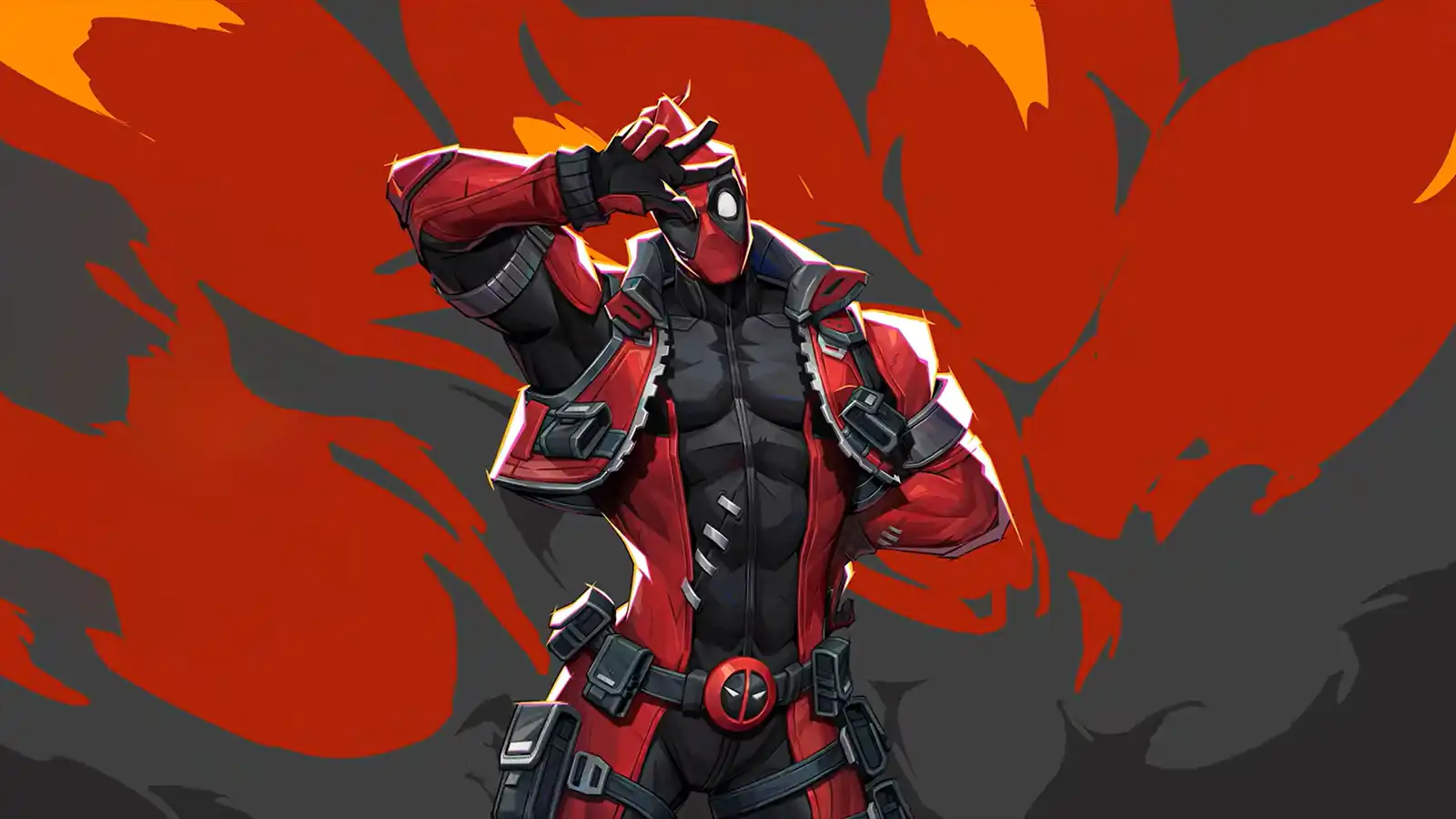
Deadpool is one of the most complex heroes in Marvel Rivals. He can be played as a Vanguard, Duelist, or Strategist, each with different abilities, upgrades, and ultimates.
Unlike other heroes, Deadpool revolves around XP, mid-match upgrades, stance swapping, and two entirely different ultimates.
This guide explains how Deadpool works, how to play each role effectively, and when he is or is not the right pick.
Deadpool’s Unique XP & Upgrade System
Deadpool is the only hero that levels up during a match.- XP is gained passively over time
- Landing attacks grants additional XP
- Taking selfies with defeated enemies grants bonus XP
- Deadpool is invulnerable during the selfie animation
Each level unlocks an upgrade for one of Deadpool’s abilities. Deadpool is weak early and extremely strong once upgraded. Falling behind on XP puts you at a major disadvantage.
Health by Role
- Vanguard: 500 HP
- Duelist: 250 HP
- Strategist: 250 HP
Passives
Healing Factor
Deadpool regenerates health when out of combat. When taking heavy damage, he can briefly become invincible, allowing him to survive burst damage and lethal ultimates.Flare Rank (Ultimate Charge)
- Builds from E → S by landing shots and abilities
- Ultimate can only be used at S rank
- Dying resets your flare rank
Weapons
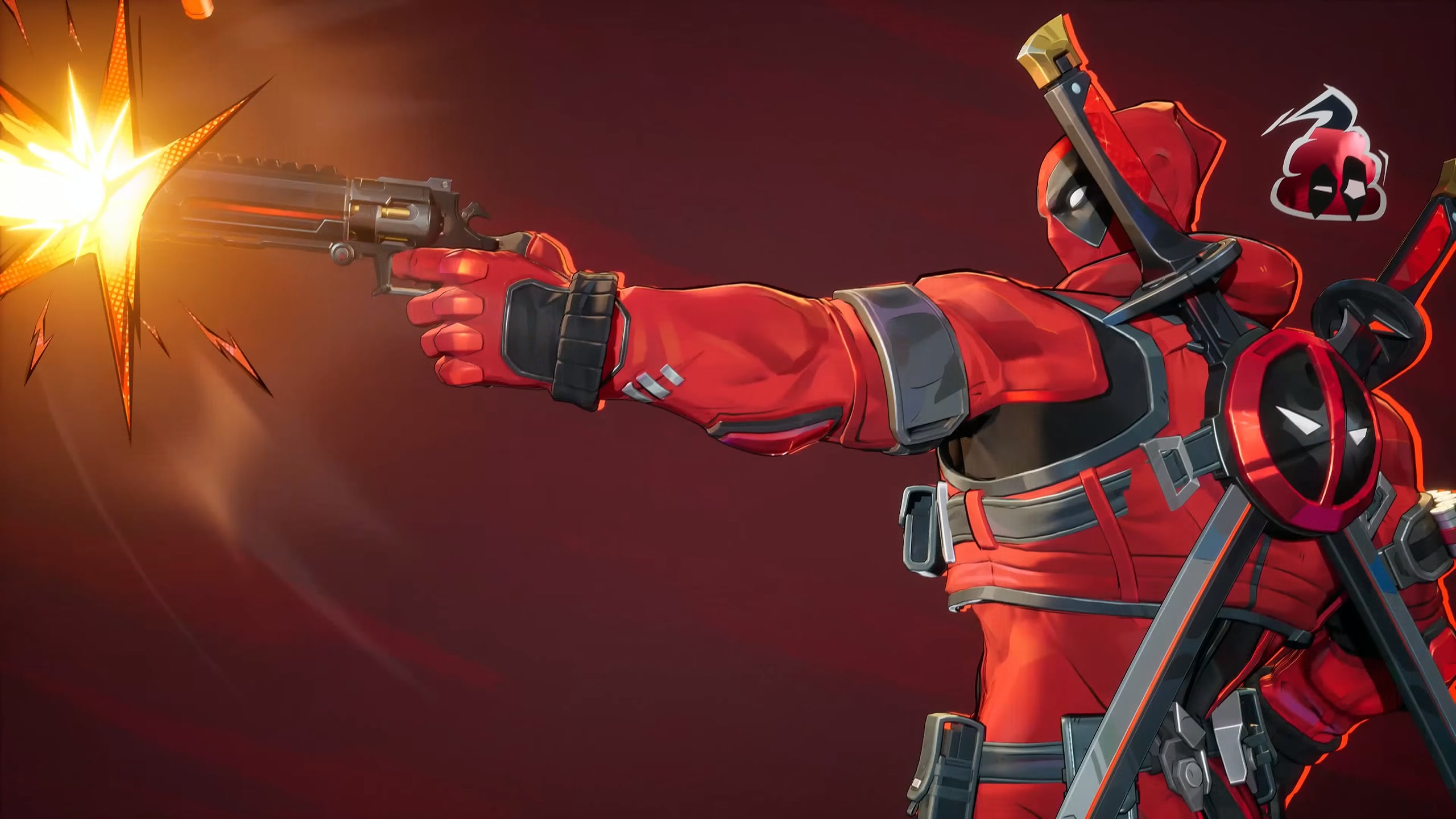
Dual Desert Eagles (Primary Fire)
- Higher damage for Vanguard and Duelist
- Strategist heals allies by shooting them
Upgrade: Shots charge a meter. When full, the final shot throws:
- A damage bomb on enemies
- A healing bomb on allies (Strategist)
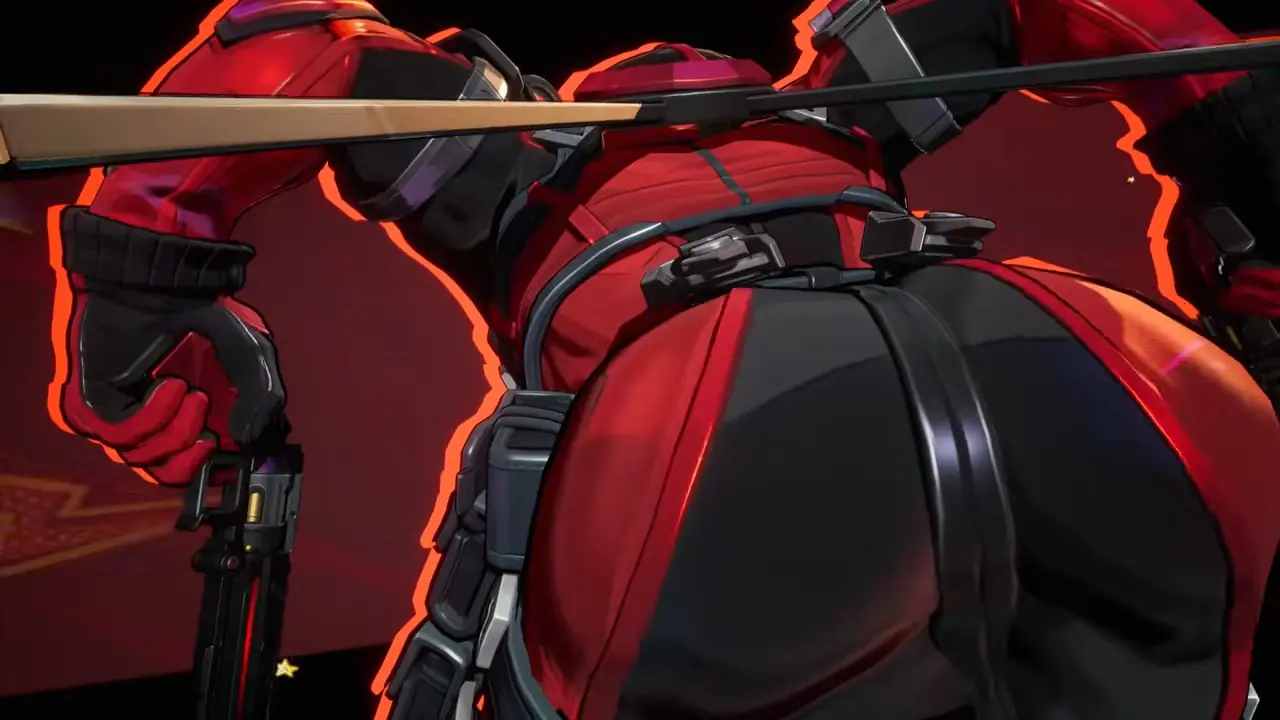
Katanas (Melee)
- Melee alternative to pistols
- Strategist cannot directly heal with melee
Upgrade:
- Critical head strikes after jumping
- Strategist releases healing bursts when hitting enemies

Secondary Abilities
Gun Stance: Bouncing Bobblehead
- Boomerang projectile that damages enemies
- Heals allies when played as Strategist
Upgrade:
- Automatically rethrows up to three times
- Final explosion deals AoE damage and healing
Vanguard Only: Plushy Shield
- Creates a bubble that blocks all damage
- Upgrade grants invincibility inside the bubble
Katana Stance: Hazardous Hijinks Dash
- Dash forward and damage enemies
- Hitting a target refreshes the dash
- Missing ends the chain
Role differences:
- Vanguard: Extra dashes on hit
- Duelist: Multiple charges, upgrade enables infinite chaining
- Strategist: Fewer dashes, focused on mobility and healing bursts
Important: Shielded or bubbled targets do not count as hits.
Main Ability: Deadpool in Your Area
Deadpool creates an aura that taunts enemies, damages them, and disrupts vision.- Vanguard: Attack speed boost, upgrade adds blinds and team damage reduction
- Duelist: Damage reduction, upgrade increases visual clutter
- Strategist: Burst healing, upgrade adds team damage boost
Mobility: Bunny Bounce
- Double jump with head-bounce interactions
- Bouncing on enemies deals damage
- Duelist gains overhealth per bounce
- Strategist can bounce allies to heal them
Ultimates
Gun Stance Ultimate
- Marks a target that takes damage when they miss attacks
- Duelist upgrade adds vulnerability
- Vanguard gains bonus HP and healing
- Strategist creates strong healing over time
Katana Stance Ultimate
- Two-stage ultimate with a bonus phase
- Stacks gained by dashes and head bounces
Effects by role:
- Duelist: Speed, healing, damage boost, cooldown resets
- Vanguard: Speed, healing, extra dash, team bonus HP
- Strategist: Burst healing, bonus HP, passive reset
Team-Up
Deadpool anchors Jeff the Land Shark, allowing Jeff to deploy a plushy that:- Taunts enemies
- Blocks vision
- Provides healing to allies
Hero Matchups: When Deadpool Shines
Deadpool performs best in chaotic, close-range fights where he can farm XP and force mistakes.Strong Against
- Immobile backline heroes with limited escapes
- Low-shield team compositions
- Messy team fights with lots of visual pressure
- Poke-heavy teams that rely on chip damage
Struggles Against
- Heavy shielding and bubble-based defenses
- Beam or auto-hit heroes that rarely miss
- Hard crowd control like stuns and roots
- Coordinated burst damage before upgrades
When You Should NOT Pick Deadpool
Deadpool is powerful, but not always the correct choice.- Your team is losing early and cannot stabilize
- You are the only Strategist on the team
- The enemy team stacks shields and hard CC
- You need immediate early-game impact
- Low coordination environments where chaos is not capitalized on
Rule of thumb: Deadpool is a scaling, win-more hero. If your team stabilizes early, he becomes oppressive. If your team collapses early, he struggles to recover.
Role Playstyle Summary
Vanguard
- Upgrade aura first, then dash
- Use plushy shield to take space safely
- Katana ultimate is usually strongest
Duelist
- Upgrade bobblehead and dash early
- Poke before committing
- Katana ultimate synergizes with infinite dashes
Strategist
- Play backline early, aggressive later
- Upgrade bobblehead first for healing
- Katana ultimate works as a strong defensive tool
Get Boosted With Deadpool
If you want to skip the grind, we offer Marvel Rivals rank boosting and Deadpool hero proficiency boosting.- Rank boosting with experienced players
- Hero proficiency leveling on your preferred Deadpool role
- Safe, discreet, fully manual gameplay
Ideal if you want higher ranks or max Deadpool proficiency without wasting time.
Final Thoughts
Deadpool has one of the highest skill ceilings in Marvel Rivals. Mastering his XP pacing, upgrades, and stance-based ultimates takes time, but the payoff is massive. Play smart early, scale properly, and Deadpool can completely dominate matches.
One Above All
Get your Marvel Rivals seasonal rewards now.