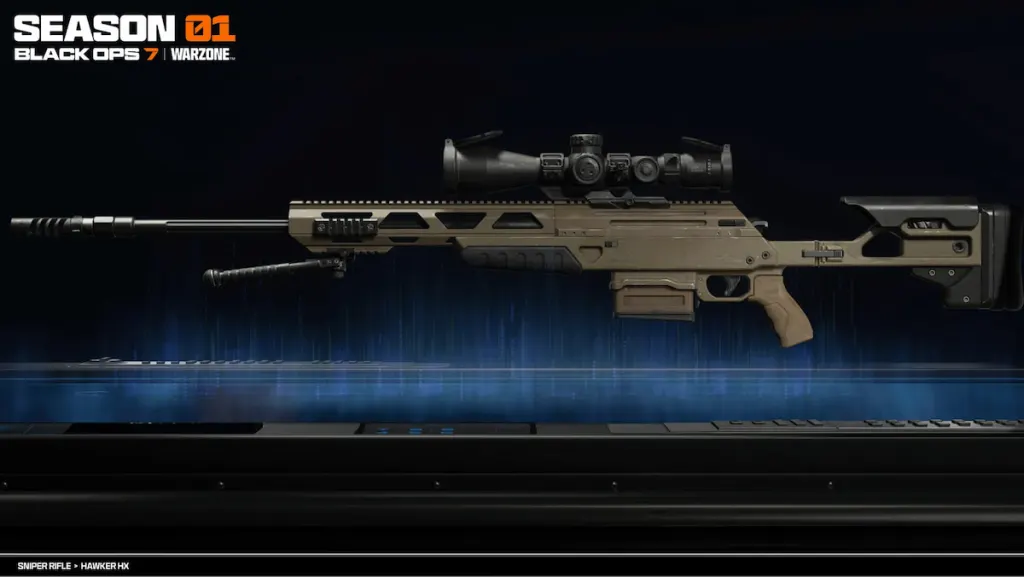
BO7 Quantum Exchange Boost
Unlock Hawker HX fast
BO7 Quantum Exchange Event Boosting FAQ
Don't just take our word for it, see what our customers say about us
Review
 I’ve had multiple boosters in the past and this one is hands down the best. Best communication, skill, everything. Absolute 10/10
Review
Banshi was the best ever!!! Can’t wait to work with him again! ?
Review
smooth and pro play and skill player
Review
Afinin was really good ! highly recommend!
Review
Hard grinding booster! Recommend
Review
Really good booster, picked up the order almost instantly and got it completed way before expected time.
Review
Great work and communication. Helped a lot.
Review
Flawless games, solid gameplay
Review
insane boosting always good to work with those guys and i love the work always friendly and good at the game
Review
great booster, i highly recommend and we didnt lose any games
Review
I had the pleasure of getting who i call KX as my booster. The guy is a complete machine. Took a bit longer than expected but he locked down and got through it for me. Much appreciated KX and ggs all around.
Review
Had a really fun time playing with this person. Fast, efficient and respectful.
What Is the BO7 Quantum Exchange Event?
Quantum Exchange is a limited-time Fallout crossover collection event in Call of Duty: Black Ops 7 and Warzone. During the event, you earn progress by collecting Nuka-Cola Quantum Bottlecaps that drop from eliminations in supported modes (such as Endgame, Multiplayer, and Zombies) or from loot sources like Loot Caches in Warzone.
Unlike leaderboard events, Quantum Exchange is focused on redeeming bottlecaps for rewards. Every bottlecap you collect can be exchanged in the event menu for specific unlocks, and you can claim rewards in any order. To earn the Mastery Reward, you must unlock every item in the reward track before the event timer ends.
Our BO7 Quantum Exchange Event boost is the fastest and safest way to farm bottlecaps and unlock the rewards you want before they become unobtainable. Whether you are targeting the Hawker HX Sniper Rifle, cosmetics like charms and calling cards, or you want the full completion reward, our professional players focus on efficient bottlecap farming routes across BO7 and Warzone to maximize progress per hour.
If you are already partway through the event, no problem. You can order at any time and we will continue from your current bottlecap total. You can also request a custom plan if you only want specific rewards, want to prioritize the Hawker HX first, or need a last-minute completion push before the deadline.
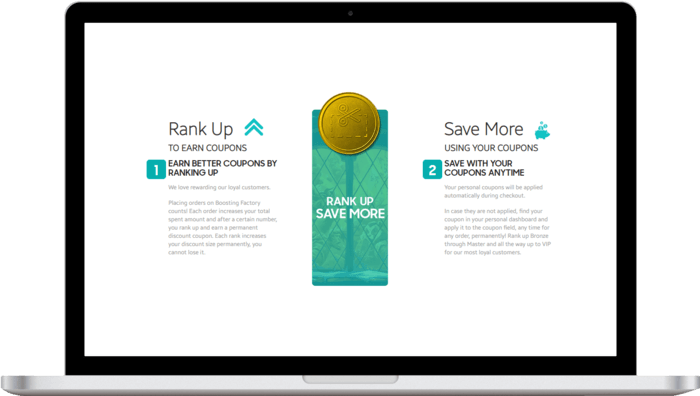
Discounts for repeat customers through a loyalty programme
Many players return for every BO7 limited-time event, mastery grind, and seasonal unlock. To reward that, every purchase earns loyalty progress that increases your tier from Bronze to Grandmaster, unlocking higher discounts, coupon codes, and store credits for future BO7 and Warzone services.
If you are also working on other Fallout crossover content (leaderboard events, event pass rewards, or seasonal weapon unlocks), you can bundle services to reduce total cost and get everything finished before the limited-time deadline.
Total:...