BO7 Nick Cage Event Boost
Get all Nick Cage event rewards fast
BO7 Nick Cage Event Boost FAQ
Don't just take our word for it, see what our customers say about us
Review
 Efficient and fun as usual. Recommended.
Review
very friendly, very nice, very skilled, very quick. best booster ever
Review
Great response time. He was very good at responding and communicating. Definitely recommend this person
Review
Decent player ! Helpful and friendly.
Review
he played fast and demolished everyone
Review
Very quick.???????????
Review
Hard working booster with great communication. For sure recommend!
Review
Fast and quick. Thank you!!!!!
Review
fast and easy, +really fun to play with
Review
Good work thank you for helping??
Review
professional guy, comes with advice and entertainment
Review
Antes my goat. Fun guy to talk to and I would highly recommend! :D
Buy BO7 Nick Cage Event Boost – Unlock Event Pass Rewards Fast
Our BO7 Nick Cage Event Boost helps you progress through the Nick Cage Event Pass and unlock the rewards you want without spending hours grinding matches.
The Nick Cage Event Pass includes major rewards such as the AN-94 primary weapon, Executioner's Duet melee weapon, Operator skins, weapon blueprints, cosmetics, and seasonal progression rewards.
When you buy Nick Cage Event Pass Boost, our professional Black Ops 7 players complete matches, farm event progress, and unlock your selected target levels efficiently.
This service is ideal for players who want every reward in reach, faster event pass progress, and multiple progression tracks advanced at the same time.
Skip the grind and unlock your BO7 Nick Cage Event rewards quickly.
How the BO7 Nick Cage Event Boost Works
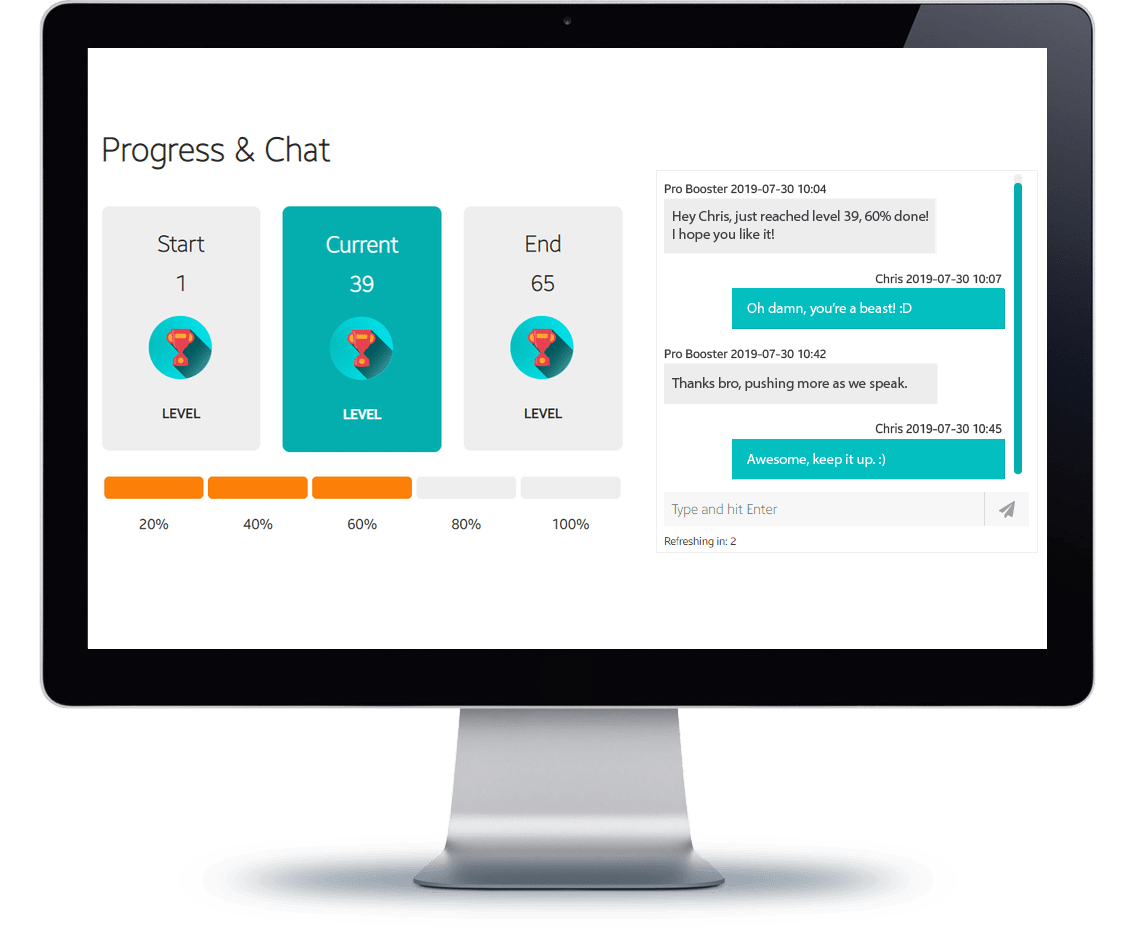
After checkout, you receive a personal order tracking page where you can monitor your Nick Cage Event Boost progress and communicate with support.
Select your current and target event pass levels, then our professional Black Ops 7 booster begins progressing the event pass and unlocking rewards step by step.
This service is delivered through the Piloted method. A professional player logs into your account, plays matches, earns event progress, and unlocks your selected rewards while you are offline.
Once your target event pass level is reached, you will be notified immediately and can log back in to enjoy your unlocked rewards.
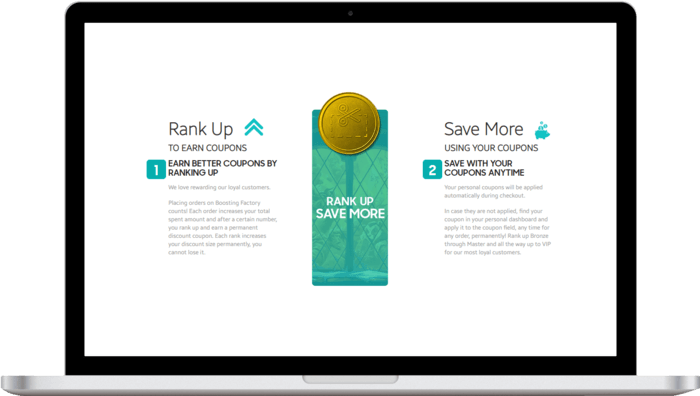
Earn Loyalty Rewards
Every completed BO7 Nick Cage Event Boost grants loyalty points that can be used for discounts on future services such as event pass boosts, weapon unlocks, Battle Pass progression, seasonal rewards, and BO7 challenge boosts.
Unlock your Nick Cage Event rewards today and save on your next Black Ops 7 order.
Total:...