BF6 Friday Night Battlefield Event Boost
Battlefield 6 Deep Six Event Boost FAQ
Don't just take our word for it, see what our customers say about us
Review
 Quick and efficient as always! highly recommend their service if you're looking for a quick boost
Review
Finished in 24 hours wit h200rr gain in high elo. Would reccomend!
Review
real good player, professional
Review
SOOOO GOOD SO FAST HIGHLOBBIES INSANE
Review
Lyonstr is a very strong player. He gives tips, and gets the games done fast. Will use this service again for sure.
Review
very quick did two order in one day for me
Review
quick and accurate. trustable services
Review
Absolute blast! Amazing experience, leveled up lots and had fun doing it
Review
Great booster, very friendly and fast!
Review
Amazing. did the order super quickly.
Review
Kelvin wins games. he's always cheerful and happy to work with you to get the wins
Review
Good communication. Great booster en kind person. Thankyou
How does Battlefield 6 Deep Six Event Boost work?
Battlefield 6 Deep Six Event Boost helps you complete the limited-time Deep Six Collection Event and unlock its rewards without spending hours grinding the required progression yourself. Deep Six progression revolves around completing contracts and gathering Intel Devices across Battlefield 6 and REDSEC.
We can complete the full Deep Six event and unlock all available progression rewards, including the final Diver's Knife reward. Choose between Piloted boosting, where our professional player completes the progression on your account, or Self Play boosting if you want to remain on your own account and play together with one of our boosters.
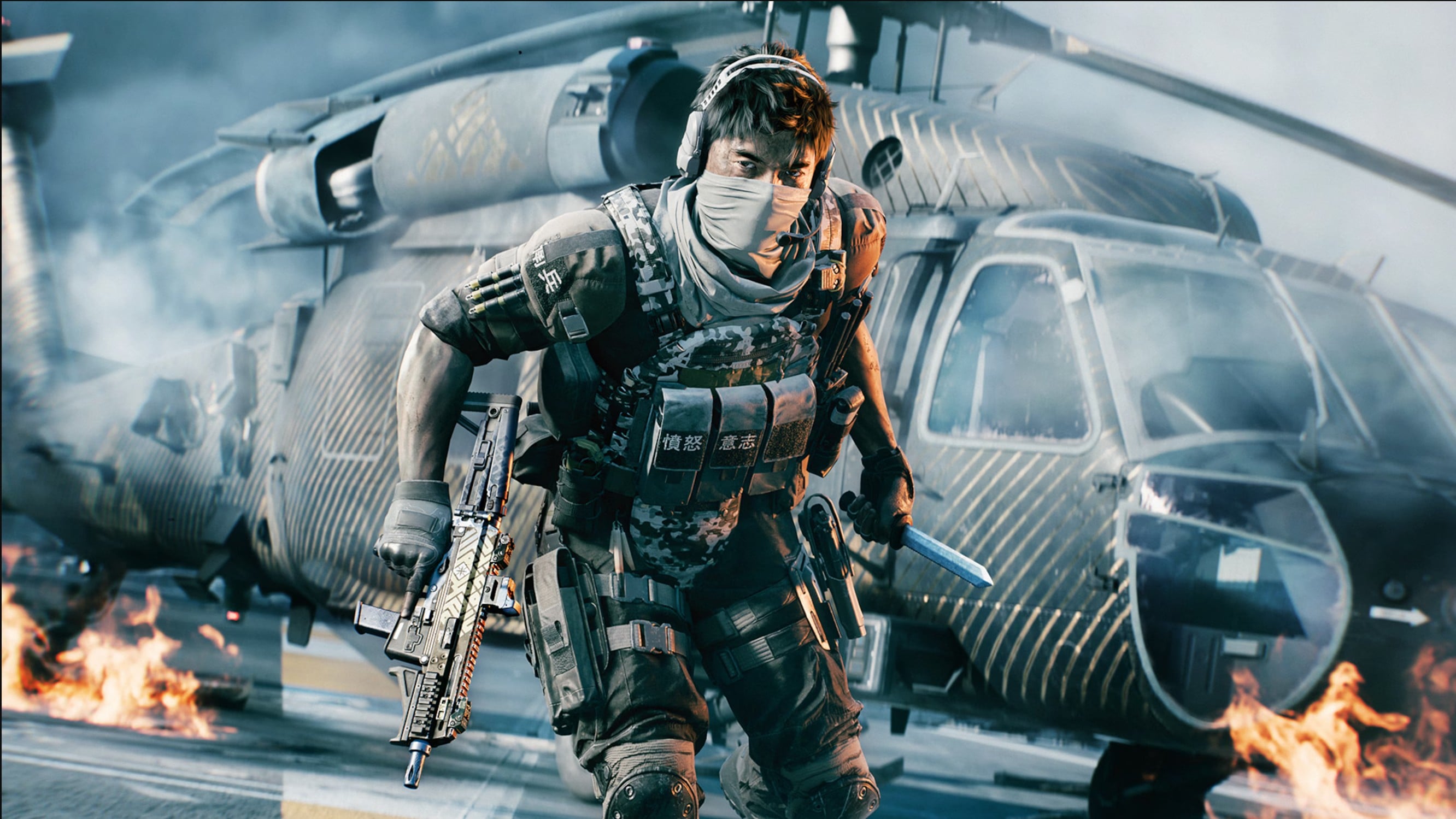
Complete the Deep Six Collection Event and unlock all rewards.
Deep Six is a limited-time Collection Event introduced with Battlefield 6 Season 4: Tidal Strike. The event runs from September 15 until October 12, 2026, giving players a limited window to complete its progression and secure the available rewards.
Our BF6 Deep Six Boosting Service can take care of the complete event progression for you. Instead of stopping at an individual objective or reward, you can order full completion and have us work through everything remaining on your account until all available Deep Six progression rewards have been unlocked.
If you have already started the event, that is not a problem. We can continue from your current Deep Six progress and concentrate only on the contracts, Intel Devices, and rewards that you still need.
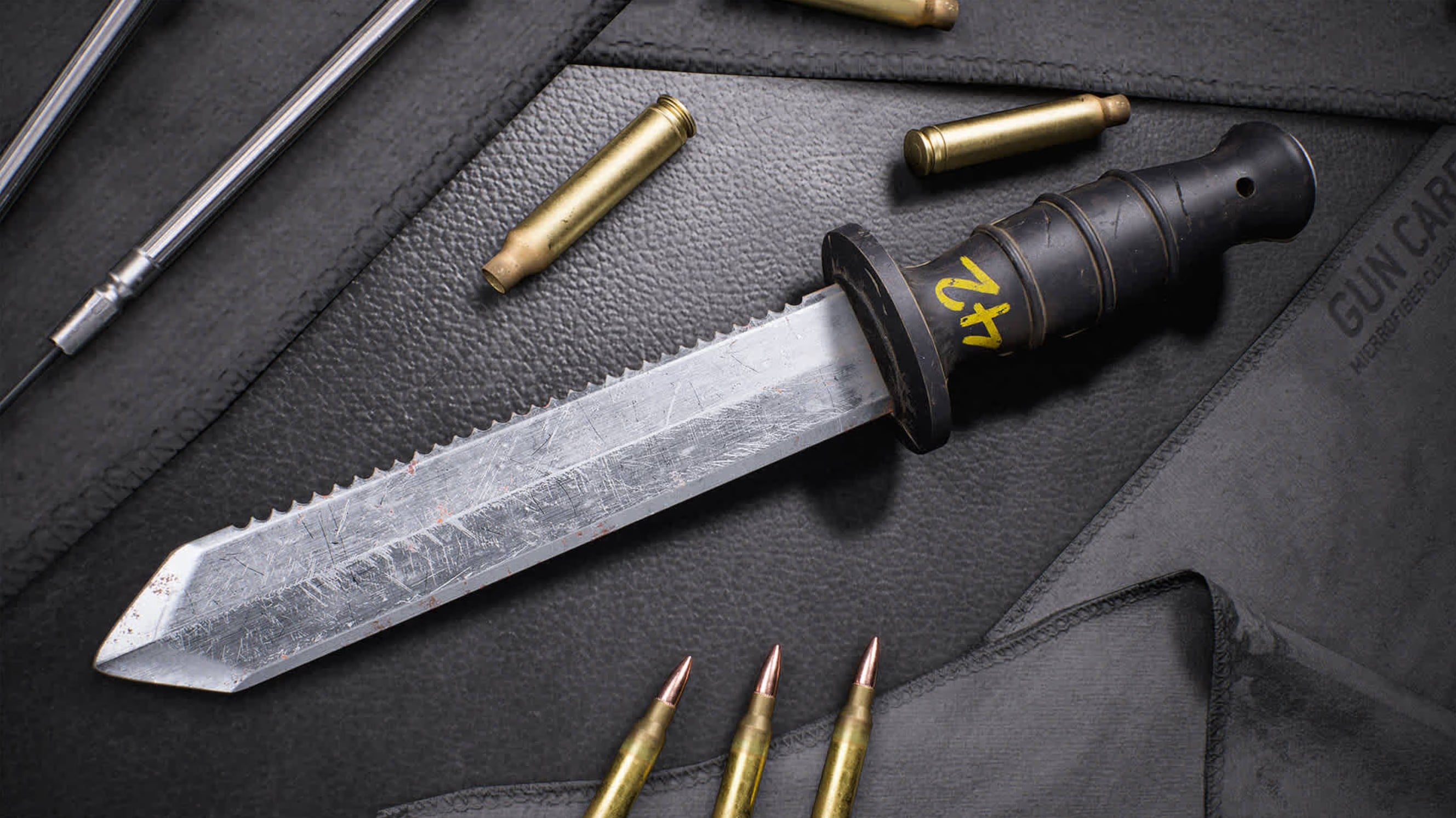
Unlock the Deep Six Diver's Knife.
The Royal Navy Diver's Knife is the main completion reward for the Battlefield 6 Deep Six Collection Event. It is awarded after completing the full event, making it the primary goal for players who want to finish Deep Six rather than collect only part of its reward track.
Order full Deep Six completion and our booster will work through the remaining event progression needed to secure the knife. Along the way, your account will also receive the other rewards earned through the Collection Event, including Weapon Packages and Customization Rewards.
Choose Piloted or Self Play Deep Six Boosting.
With Piloted Deep Six Boosting, our booster plays directly on your Battlefield 6 account and completes the required progression for you. This is the best option if you want the event completed without having to spend your own time working through contracts, gathering Intel Devices, and repeating event objectives.
With Self Play Deep Six Boosting, you remain on your own account and play alongside one of our experienced Battlefield 6 boosters. Your booster helps optimize your sessions around the progression you still need, assists with event objectives, and helps you move through the Deep Six event more efficiently while you continue playing yourself.
Complete contracts and collect Intel Devices faster.
Battlefield 6 Deep Six progression is earned by completing contracts and gathering Intel Devices. Progress is connected across Battlefield 6 and REDSEC, giving players different ways to advance through the Collection Event before it ends.
Our booster focuses each session around the Deep Six progression that remains on your account instead of spending time on unrelated activities. Whether you are starting from the beginning or only need the final part of the event completed, the goal is to reach full completion as efficiently as possible.
You can also read our Battlefield 6 Deep Six Event guide for a full explanation of the event, its progression system, rewards, and Diver's Knife.
What happens after I buy Battlefield 6 Deep Six Event Boost?
Once you complete your purchase, your order is immediately listed for our professional Battlefield 6 boosters. You will also receive a confirmation email with a link to your personal order tracking page.
On the tracking page, you can provide the information required for your selected Piloted or Self Play service, share your current Deep Six progression, leave additional instructions, and chat directly with your assigned booster. The booster reviews how much of the Collection Event you have already completed and then focuses on the remaining progression included with your order.
Returning customers get more benefits.
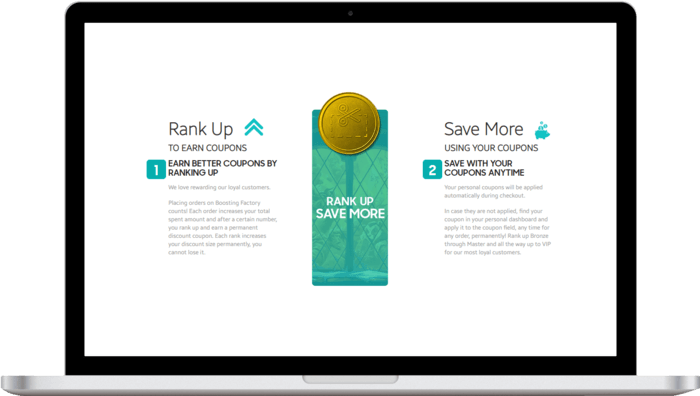
Every completed order helps increase your Boosting Factory account level, unlocking larger discount coupons for future services, including Battlefield 6 Deep Six Event Boosting, Rank Boosting, Weapon Leveling, Challenge Boosting, and other Battlefield 6 services.
Referring friends earns both you and your friend store credit when they purchase. We appreciate loyal customers and reward them with better savings, useful perks, and a smoother experience on every new order.
Total:...
 Secure & Safe Checkout