ARC Raiders Outpost Boost
Upgrade your Outpost fast & safe
ARC Raiders Outpost Boost FAQ
Don't just take our word for it, see what our customers say about us
Review
 Great delivery as always, highly recommended.
Review
Quick, efficient, reliable. Good service
Review
Very fast from start to finish
Review
love love love did amazing and it was quiclk
Review
Great booster. Gives good tips. Had many accounts to fulfil ghost duo.
Review
Top-Tier Service From ORUAM!
I recently used Boosting Factory and was paired with ORUAM for my order, and I couldn't be happier with the experience! ORUAM completed the entire order super fast, far exceeding my expectations for turnaround time.
Beyond the speed, what really stood out was his level of professionalism and friendliness. He was great to communicate with, making the whole process seamless and stress-free. If you're using Boosting Factory, I highly recommend requesting ORUAM—absolute top-tier service!
Review
nice boost very fast thx !!!!!!!!!
Review
Very professional. Highly recommended.
Review
very good booster ^_^
recomended
Review
Amazing booster, 1v9 every game. Will use them again
Review
Always choose him! Best Booster ever!
Review
Always choose him! Best Booster ever!
How does ARC Raiders Outpost Boost work?
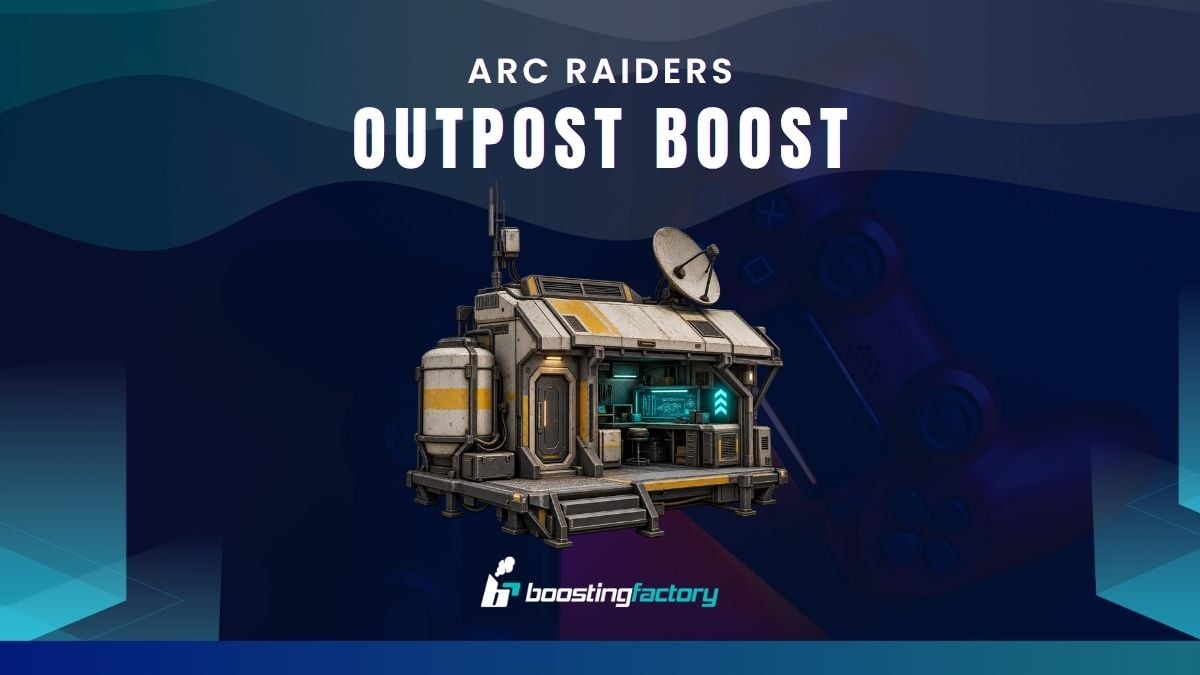
ARC Raiders Outpost Boost helps you unlock and develop the new surface base introduced with Frozen Trail. Choose the Outpost Unlock if you have not completed its Project yet, or progress the Research Workstation if your Outpost is already available.
The Outpost expands your Raider Den with new modules, furniture customization, and Research progression. More importantly, the Research Workstation gives access to deeper weapon customization and eventually the Amplified Weapons system.
Share your existing Outpost or Research progress after checkout and our experienced Raider continues from the objectives you still need rather than intentionally repeating completed progression.
Complete the ARC Raiders Outpost Project.
The Outpost is not available automatically. Raiders first need to complete the Project associated with unlocking the new base.
Select Outpost Unlock and our booster works through the supported Project progression until access to your Outpost is opened.
If you already completed part of the Project yourself, your existing progress remains useful. Tell us which objectives are finished and the service can continue from the remaining steps.
Complete Research Topside Living Conditions.
The opening step of the Outpost unlock is Research Topside Living Conditions.
This objective requires taking a photograph of a farmland house while Topside. Make sure the quest is accepted and a Camera is available before attempting the objective.
Cameras can be purchased from Shani, crafted at the Workbench, or found while raiding. Our booster handles the supported Outpost quest progression included with the service and continues toward unlocking the new base.
Unlock your new surface base.
Completing the required Project progression gives your Raider access to the Outpost, a new extension of the existing Raider Den.
The Outpost introduces several new progression and customization systems:
- Outpost modules
- Furniture and interior customization
- Furniture Designs
- The Research Workstation
- Advanced weapon research
- Higher weapon customization and modding
- Access to Amplified Weapon progression
This makes the Outpost more than a cosmetic base. Developing its Research system becomes part of late-game weapon progression.
Upgrade the ARC Raiders Research Workstation.
If your Outpost is already unlocked, you can focus directly on Research Workstation Leveling.
Research progression opens higher levels of weapon customization and modding, making the station one of the most important functional parts of the Outpost.
Choose your supported current and target progression where available. The booster then gathers or uses the required resources and completes the remaining Research Workstation upgrades included with your order.
Unlock access to ARC Raiders Amplified Weapons.
One of the main reasons to develop the Outpost is the connection between its Research Workstation and the Amplified Weapons system.
A fully upgraded Research Workstation provides access to a fifth weapon quality level for supported guns. Amplification introduces branching abilities and enhancements that can substantially change how familiar weapons behave.
ARC Raiders initially supports 15 Amplified weapons, giving late-game players another progression path beyond standard weapon quality and modding.
Research new ways to customize your weapons.
The Research Workstation expands weapon progression beyond the existing Workshop system.
Once sufficiently developed, Research gives Raiders access to deeper customization and modding options for supported weapons. Amplification can introduce significant behavioral changes rather than only increasing a weapon's basic quality.
Examples shown for the system include unusual weapon configurations such as a fully automatic Burletta, a scoped Renegade, and alternative Rattler upgrades.
Continue from your current Research Workstation progress.
You do not need to start Research progression again if your station has already been upgraded.
Where current-to-target Research leveling is available, tell us your existing progression and select the target you want to reach.
This lets the service focus on the remaining upgrades required rather than charging you for Outpost or Research progression you have already completed.
Expand your Outpost with modules and furniture.
The Outpost is designed to become a more personal extension of your Raider Den.
Raiders can expand the base with different modules and customize its appearance with furniture. Furniture Designs can be learned and then used to craft corresponding Outpost furniture with the necessary resources.
Optional modules, furniture farming, and individual cosmetic goals should be treated separately from the basic Outpost Unlock unless they are explicitly included with the selected order.
Outpost and Workshop upgrades are different progression systems.
The Outpost does not replace your existing ARC Raiders Workshop.
Your Workshop still contains the established crafting stations such as the Gunsmith, Gear Bench, Medical Lab, Refiner, Utility Station, and other existing benches.
The Outpost adds a separate surface-base system and the new Research Workstation. If you also need your standard crafting stations upgraded, use our ARC Raiders Workshop Leveling service rather than assuming those upgrades are included with Outpost progression.
Farm the resources needed for Outpost progression.
Building and upgrading ARC Raiders progression systems can require materials obtained through Topside raids, crafting, looting, ARC components, and other activities.
Where material farming is included with your selected Outpost or Research order, the booster completes the necessary raids and works toward the required resources through normal gameplay.
Extra eligible loot, equipment, Coins, and materials obtained during the service remain on your account, except for resources consumed or submitted as part of the actual Project and upgrade requirements.
Choose only the ARC Raiders Outpost progression you need.
Not every Raider starts from the same point.
Choose Outpost Unlock if your new base is still locked. Choose Research Workstation Leveling if the Outpost is already available and your main goal is advanced weapon research and Amplified Weapon access.
Where both progression types are offered together, you can move directly from the remaining Outpost Project objectives into Research development without ordering unrelated Workshop upgrades.
What happens after I buy ARC Raiders Outpost Boost?
Once your purchase is complete, your order is listed for our ARC Raiders boosters and you receive access to your personal tracking page.
Confirm whether you need the Outpost Project completed or the Research Workstation upgraded, then share the progression you have already finished.
Your assigned Raider works through the remaining supported objectives, including required Topside progression, resource farming, Project steps, or Research upgrades included with the selected order. You can follow the service and communicate directly through your dashboard.
Returning customers get more benefits.
Every completed order helps increase your Boosting Factory account level, unlocking larger discount coupons for future services, including ARC Raiders Outpost Boosting, Workshop Leveling, Expedition Projects, Quest Boosting, materials, weapons, blueprints, and other ARC Raiders progression.
Referring friends earns both you and your friend store credit when they purchase. We reward returning customers with better savings and additional benefits across future orders.

Total:...
 Secure & Safe Checkout