In the high-stakes world of Counter-Strike 2, precision is everything. One clean tap can flip an entire round, and your crosshair? It’s right at the center of that moment.
While it might seem like a minor detail, it plays a huge role in your aim and overall confidence
That’s why the best players in the world don’t stick with default settings. They test, tweak, and fine-tune their crosshairs until it feels like second nature. Some go ultra-minimal, with barely-there lines. Others choose bolder styles that pop in the heat of battle.
Either way, their crosshairs reflect how they think, move, and take fights
This guide breaks down the exact crosshairs used by top CS2 pros—from s1mple’s sharp cyan laser to dev1ce’s calm, balanced setup. Whether you’re looking to improve your aim or just want a fresh look, this is the perfect place to start.
Understanding Crosshair Customization in CS2
Your crosshair isn’t just for looks—it’s your anchor point. It shows where your bullets will land and gives you a visual guide for lining up shots.A solid crosshair helps you stay focused, react faster, and feel more in control
CS2 gives you full control over how your crosshair looks and behaves. Here’s what you can adjust:
Bottom line? There’s no perfect crosshair. The best one is the one that helps you play better
Best Crosshairs Used by Top CS2 Pros
1.s1mple
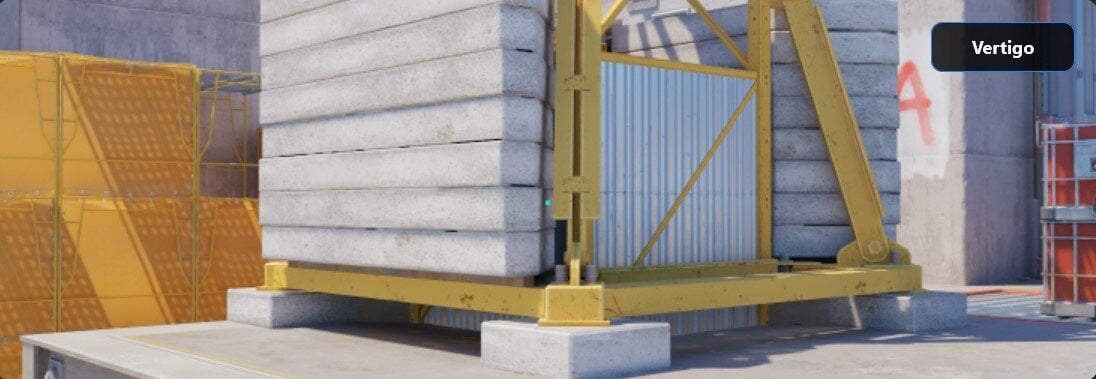
Code: CSGO-3wUf2-ww3TH-UpeGX-s5RjT-fxwPB
A tight cyan crosshair with a center dot—built for control and crisp accuracy
2.ZywOo

Code: CSGO-s5Qbj-nvF89-cJjDd-mRdSG-5Yt4N
Clean, green, no dot.
3.NiKo
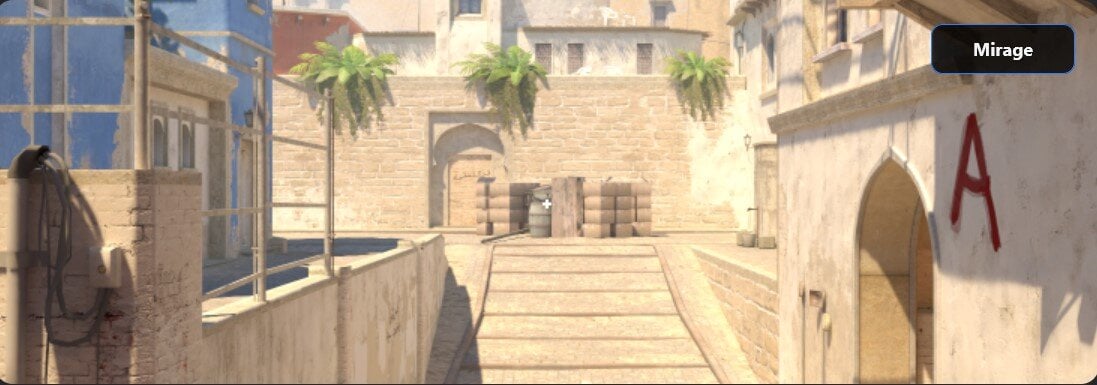
Code: CSGO-Kt7BO-irudC-fuRod-y5fjA-fuzQN
Small white crosshair—perfect for precise rifling and headshots
4.m0NESY
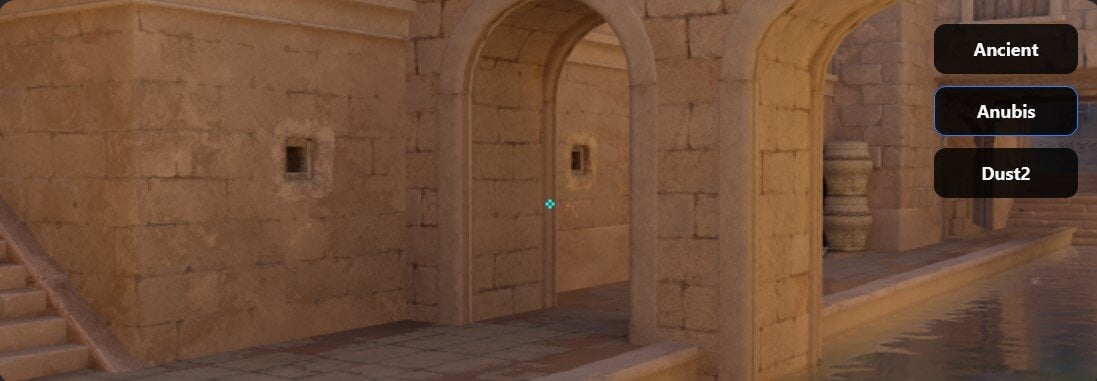
Code: CSGO-kNweN-Y49Xt-wFjGv-CeNoB-JG8nM
Very small cyan crosshair—excellent for flicks and tight AWP angles
5.dev1ce
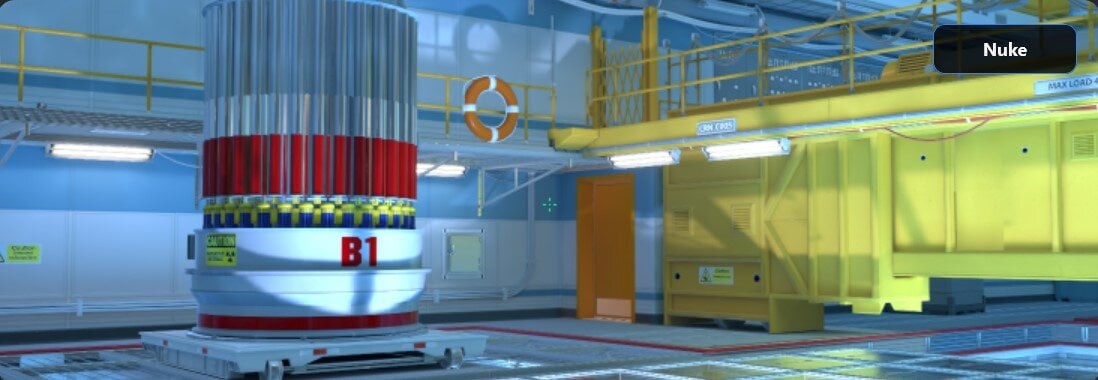
Code: CSGO-jvnbx-S3xFK-iEJXD-Y27Nd-AO6FP
Green, balanced, with a center dot—reliable for every situation
6.YEKINDAR
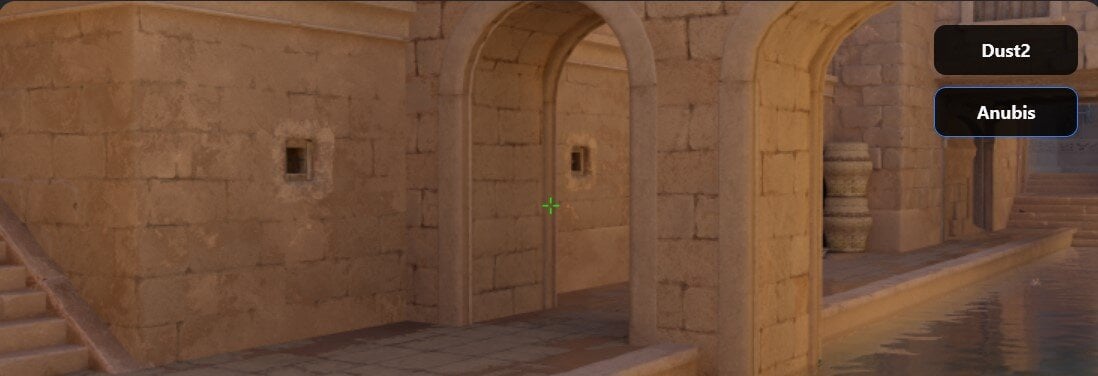
Code: CSGO-hKMMp-QcGrC-Wmwcd-B5EWS-vJN2G
Thin green crosshair
7.ropz

Code: CSGO-MMQuh-Hs3Sj-Qv9zd-VaCmc-3QqNO
Minimal green crosshair—
8.XANTARES
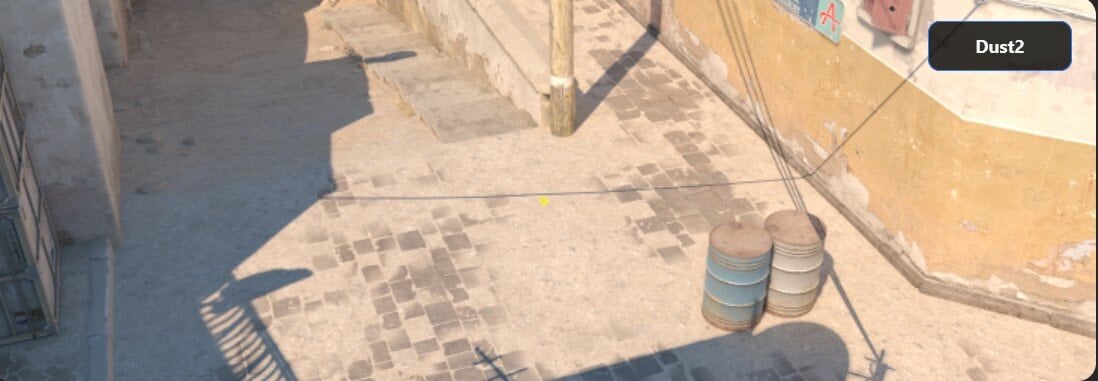
Code: CSGO-xbpe2-E24RJ-YXNuO-pQvt8-ppNAK
Small yellow crosshair
9.rain

Code: CSGO-KoKYK-eL4FP-Tj6db-Y9pAt-bciaB
Medium cyan with center dot
10.karrigan
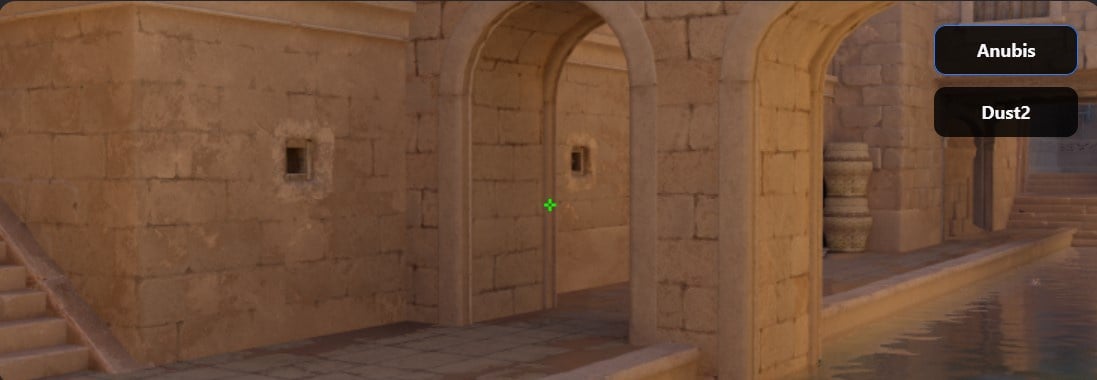
Code: CSGO-786B3-kwpWH-xoofi-pVfD6-4BZ2Q
Simple green crosshair
How to Import Crosshair Codes in CS2
Want to try one out? Here’s how to import a code:Hop into a match or aim map to see how it feels
How To Pick The Right Crosshair
Final Thoughts
Your crosshair won’t carry the game—but it can boost your confidenceIt should feel natural, like an extension of your hand. Whether you’re lurking like ropz, rifling like NiKo, or calling shots like karrigan, having the right setup matters.
Try out a few of these pro picks, adjust what you need, and once it clicks—lock it in and just play
Read more: How To Get Better At CS2
Wrapping It Up
Fixing your crosshair might not be everything—but it can seriously elevate your confidence in duelsIf you’ve tried everything and still feel stuck in rank, we get it—solo queue can be rough
Sometimes it’s not even about aim—it’s about teammates and matchmaking odds. And when that happens, we’ve got ways to help you push through.
That’s where we come in. Check out our CS2 Rank Boosting Services. It's designed to take the pressure off, helping you climb the ranks while you focus on improving your game.
Whether you're stuck in Gold Nova or pushing for Global Elite, our team of experienced, high-rank players can help you reach your goals faster and more efficiently—without the stress.
Let us help you get the rank you deserve. Check out our CS2 boosting service today.
Read more: What Is CS2 Boosting And How Does It Work

Global Elite