Battlefield 6 is finally here, and if you’re jumping in for the first time, there are a few crucial things you should do before you hit that “Matchmake” button. EA gave me early access, and after hours of testing, I found several small adjustments that make a huge difference to your experience.
Here are all the essential Battlefield 6 launch tips and tricks you need to know to get smoother visuals, better aim, and faster progression right from day one.
1. Adjust Your Graphics Settings First
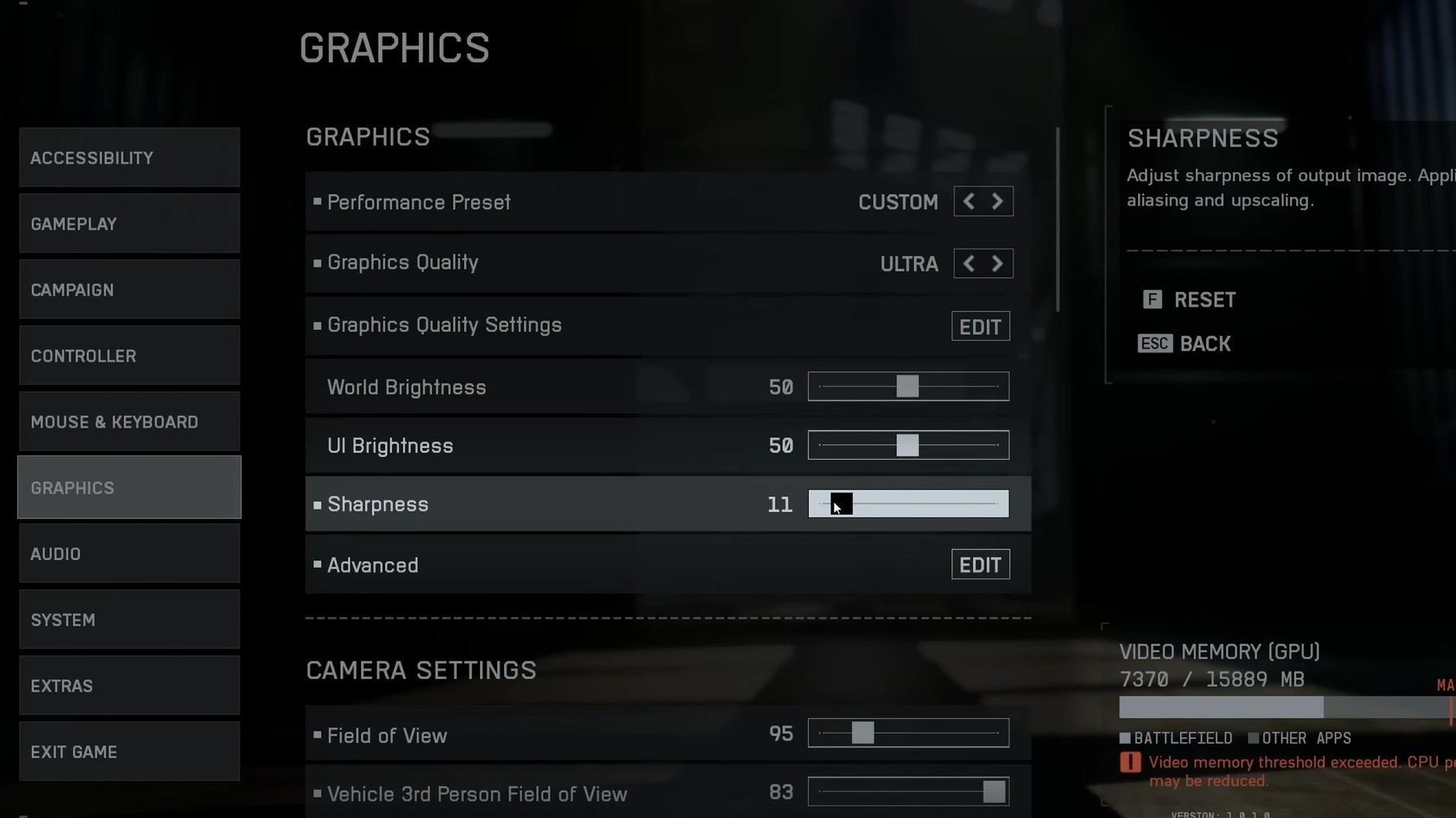
Before you even play your first match, dive into the settings menu. Battlefield 6 ships with a bit too much post-processing by default.
Turn off or lower sharpening to make the game look smoother and closer to classic Battlefield visuals. Also, disable vignette, chromatic aberration, film grain, motion blur, and V-Sync to improve clarity and FPS.
Reducing camera shake and head bob also helps a lot during chaotic fights, especially for players sensitive to visual motion.
2. Customize Your Crosshair and Mini-Map
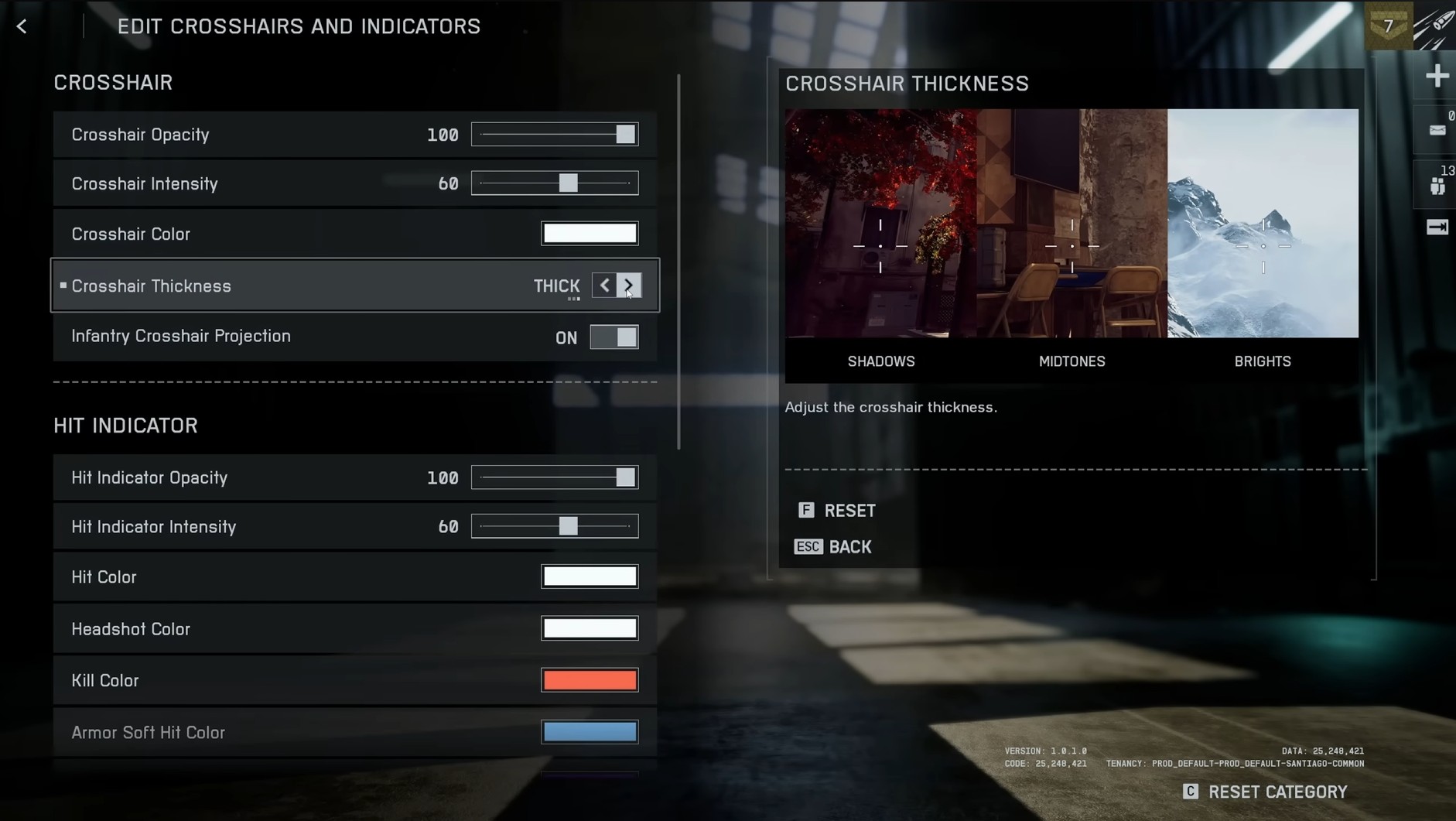
The default crosshair can blend into the chaos. Boost its contrast by increasing the intensity and adding a border color. Bright blue or pink works great for visibility.
Then, make your mini-map larger — it’s one of your biggest assets for situational awareness. Even if the size difference isn’t huge, every bit of map space helps you stay one step ahead.
3. Fix Your Audio Setup
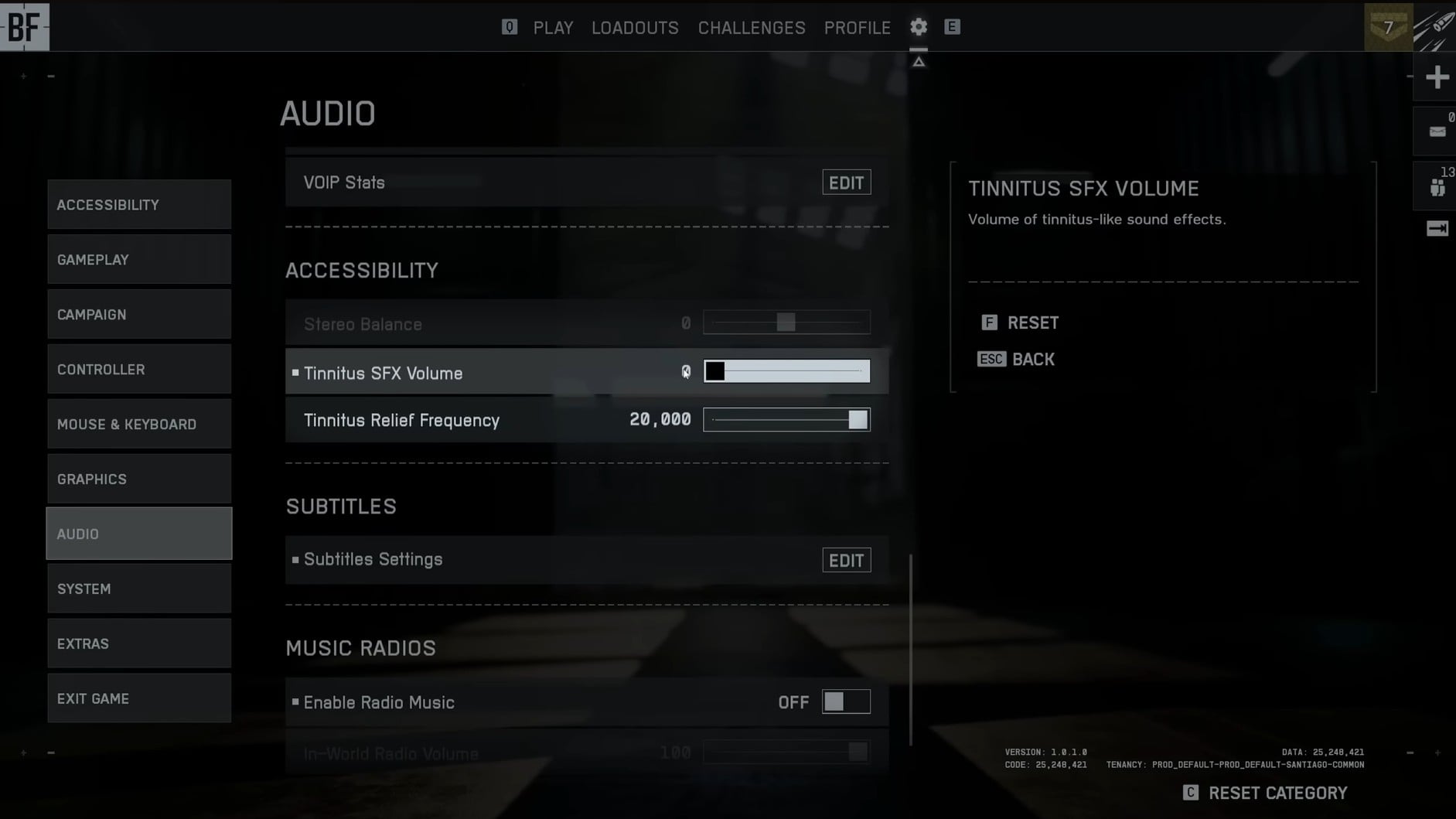
Battlefield 6 has powerful sound design, but the mix can overwhelm you. Turn down the tinnitus effect to reduce ear-ringing from explosions.
If you play with headphones, make sure your output device is set to “Headphones” and not just “Stereo.” That single change drastically improves directional awareness.
You can also adjust the music volume down to about 30% — it’ll make it easier to hear footsteps and enemy gunfire during intense fights.
4. Fine-Tune Your Controls and Keybinds
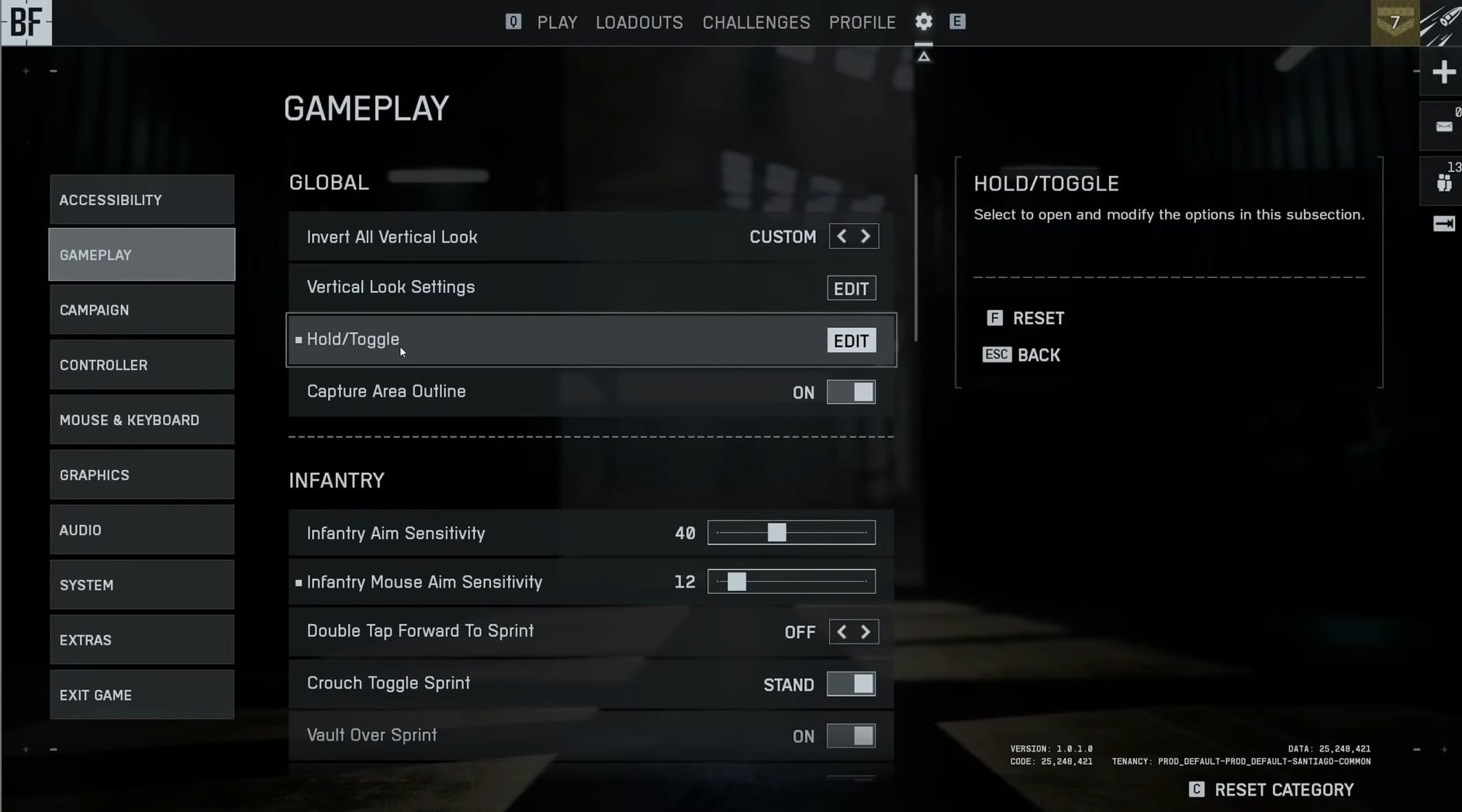
Battlefield 6 gives you an incredible amount of customization for controls. It can feel overwhelming, but it’s worth it.
Set up your hold vs toggle preferences. I recommend hold-to-sprint, hold-to-crouch, and hold-to-aim for better control. Turn off double-tap to slide if you play on PC — it’s easy to trigger accidentally.
Also, consider disabling auto-lean and auto-peek. Most competitive players prefer manual control to avoid unintentional movements in gunfights.
5. Dial In Vehicle Sensitivity
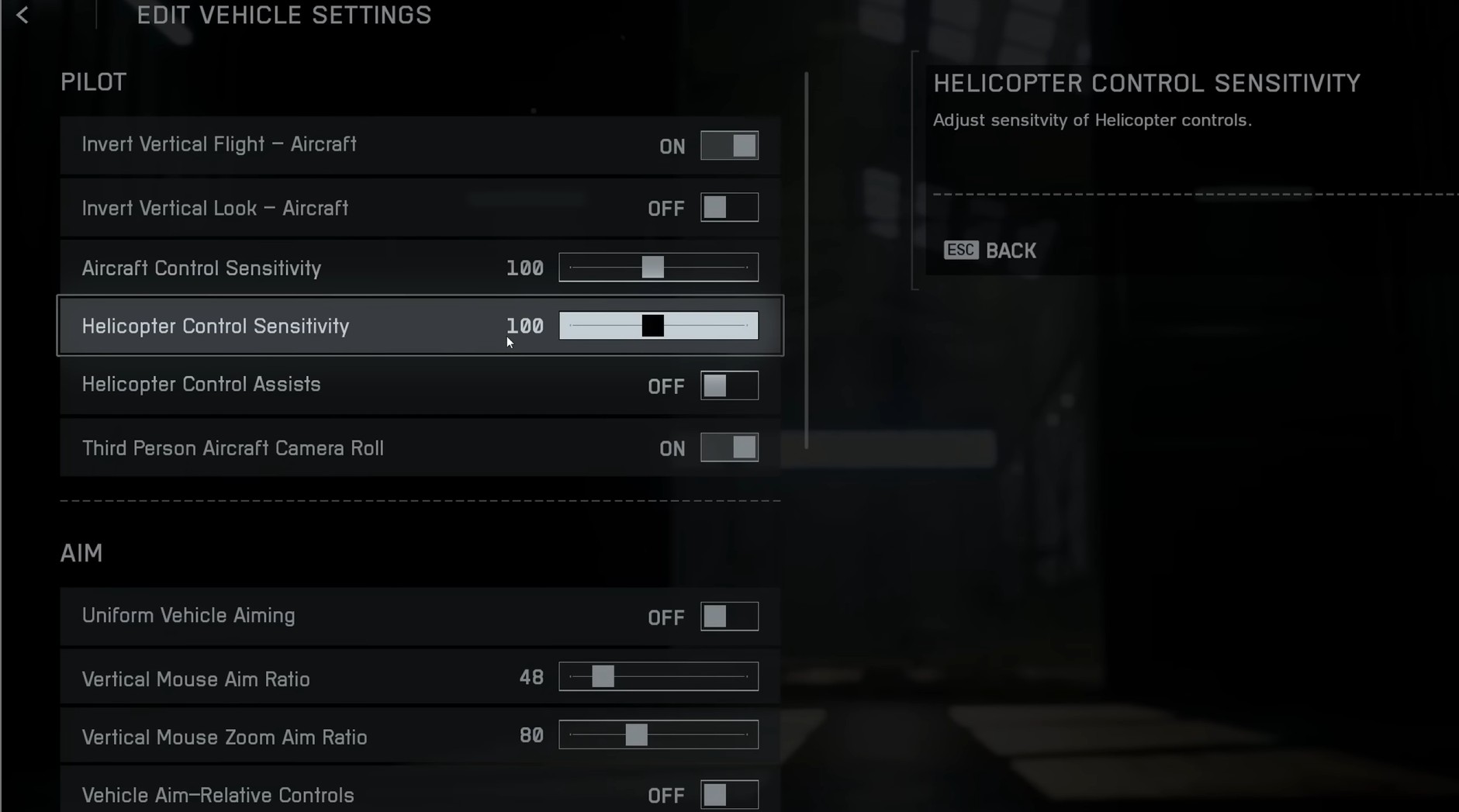
If you plan to use vehicles, spend a few minutes adjusting the sensitivity per vehicle type.
Helicopters, for example, feel sluggish by default — bump sensitivity to around 200% to get a smoother, more responsive feel. Once tuned properly, piloting becomes much more natural.
6. Don’t Ignore the Challenges Tab
One of the most overlooked parts of the menu is the Challenges tab. It contains daily and weekly challenges along with universal assignments.
Completing them gives you a ton of XP and access to special unlocks like the Spawn Beacon or unique weapons. You can even track up to four assignments at once, making it easy to focus on multiple goals.
If you ever get stuck on tougher challenges, we can help — check out our Battlefield 6 Challenges Boosting Service for fast, professional help.

7. Plan Your XP Boosters Early
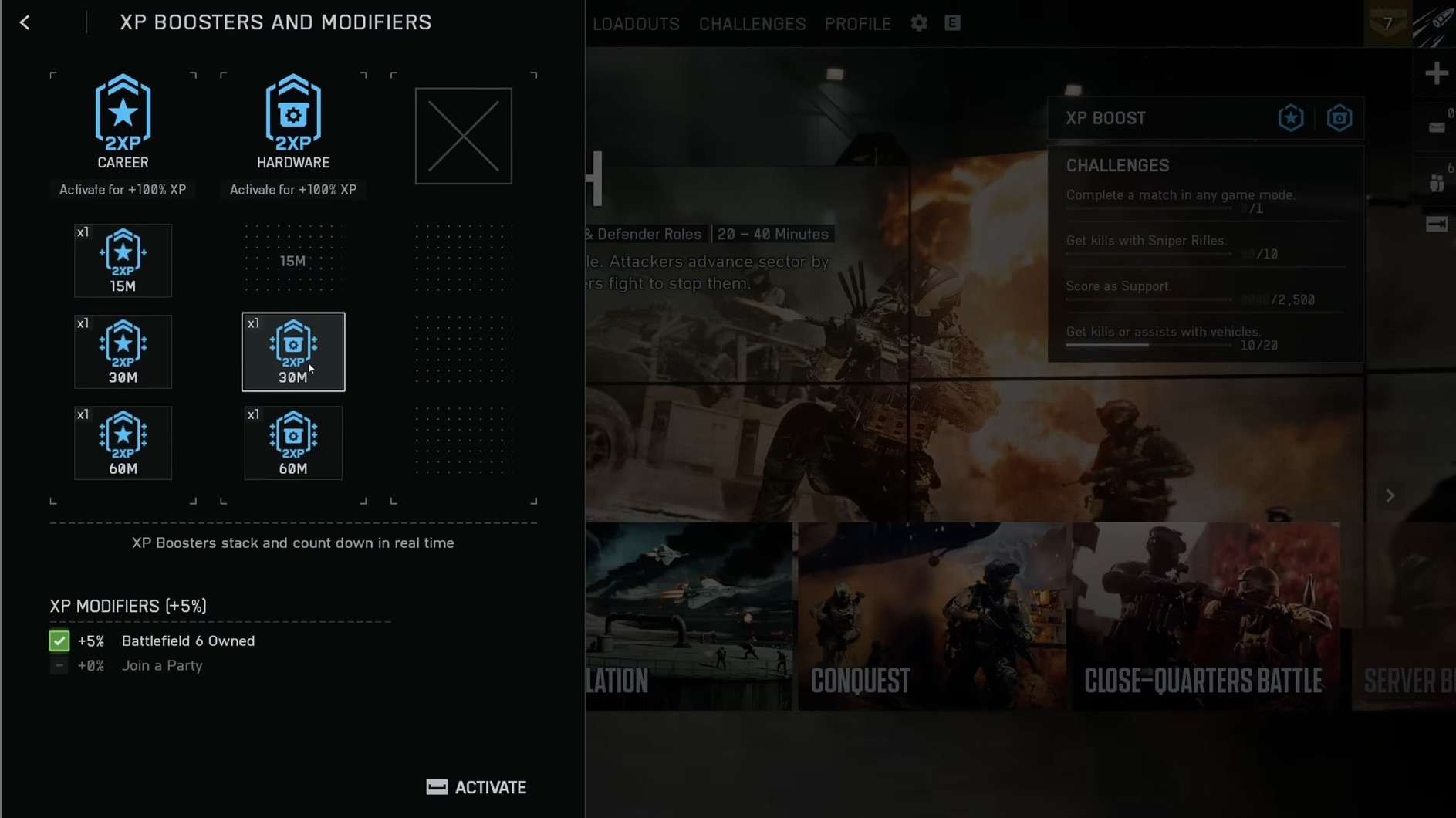
Just like in previous titles, you get a 5% XP boost for owning the game and another 5% for being in a squad.
You can also earn temporary XP boosters through assignments — and yes, you can stack them. A 30-minute and a 15-minute booster will give you 45 minutes total.
Activate your boosters before long sessions to maximize rewards, and remember to stay until the end of the match to lock in all your XP.
If you’d rather skip the grind altogether, our Battlefield 6 Leveling Service can help level up your account up safely and quickly while you focus on the fun parts or do other stuff while you're unable to play BF6.
8. Learn the Class Abilities
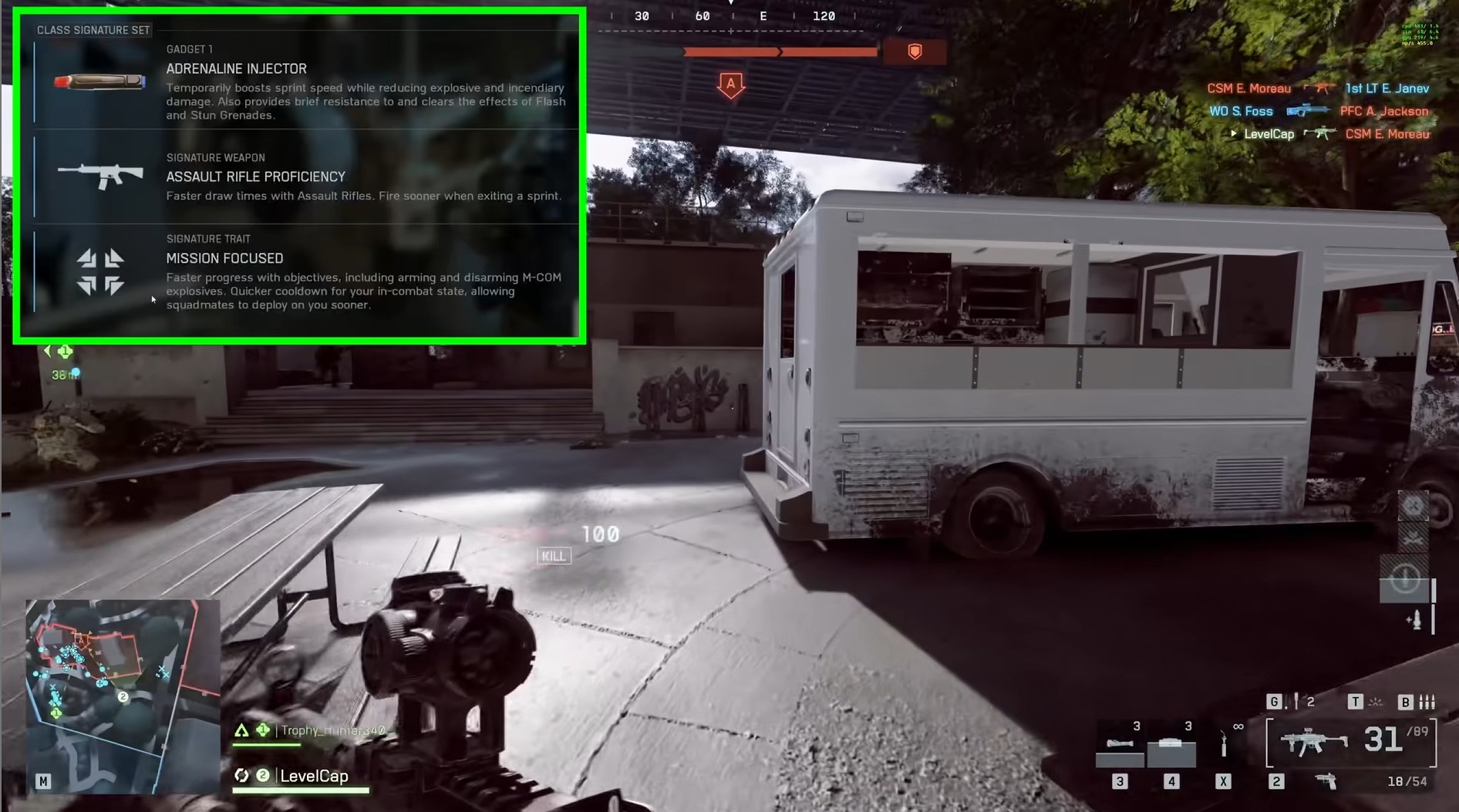
Every class in Battlefield 6 has unique passive and active abilities that can completely change your playstyle.
For example:
- Assault: Faster draw times with rifles and quicker arming/disarming on objectives.
- Support: Faster aim-down-sight speed with LMGs and no sprint penalty while carrying one.
- Engineer: Better hipfire accuracy and reduced explosive damage near friendly vehicles.
- Recon: Reduced sway with sniper rifles and automatic spotting while aiming.
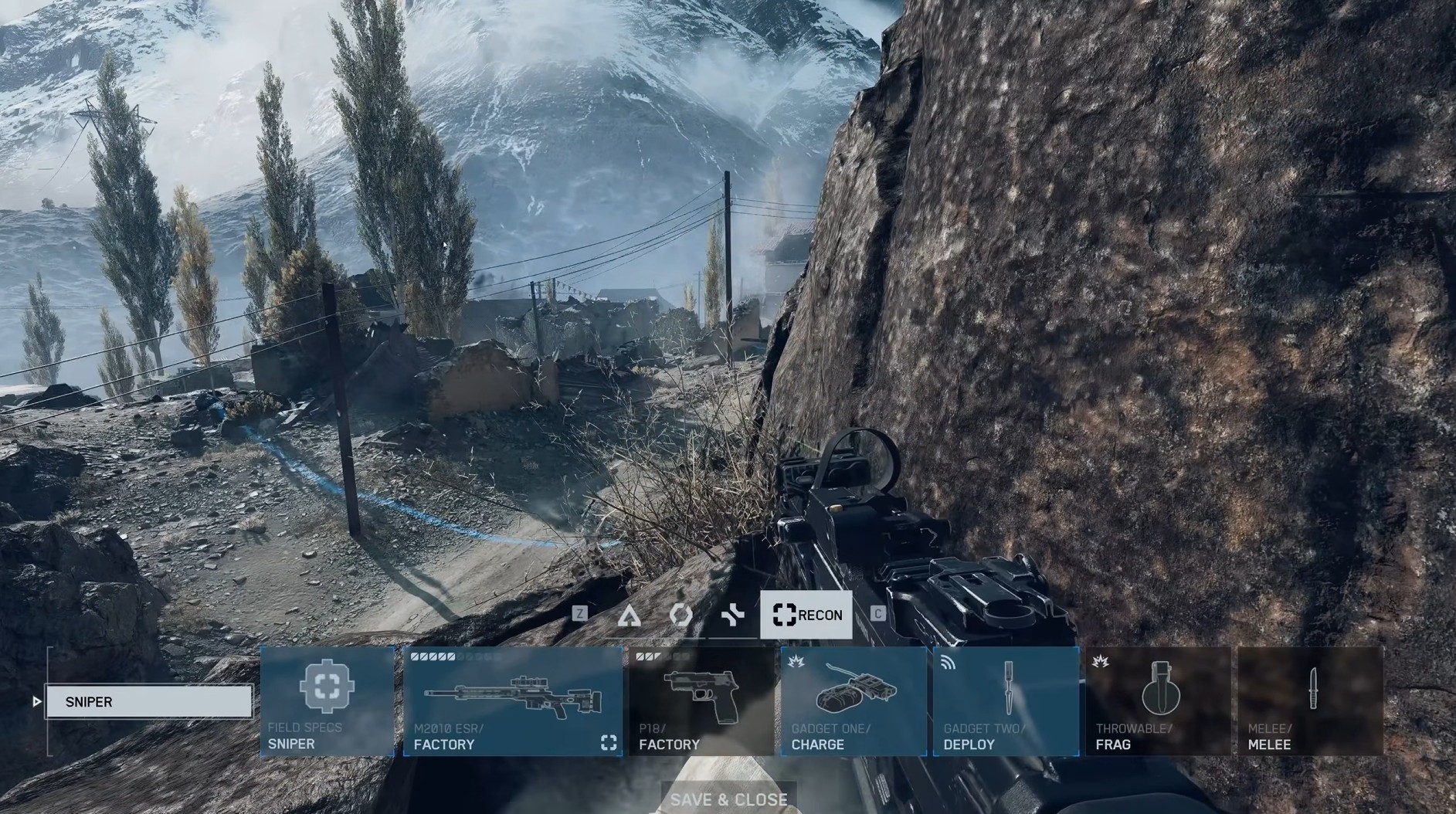
9. Experiment With Loadouts and Gadgets
You can change your loadout after spawning — just don’t move. Press Y (on PC) to open the menu.
If you find yourself running out of ammo as Assault, remove your second primary weapon and replace it with a gadget. Doing so gives all ammo to your main gun, helping you survive longer.
And don’t forget about your class active abilities! On PC, press 6 when they’re charged — they’re game-changers, especially for Engineers and Recon players.
To quickly unlock more gadgets and attachments, try our Battlefield 6 Weapon Level Boost and let our experts handle the grind for you.
10. Understand Sniping and the Sweet Spot Mechanic
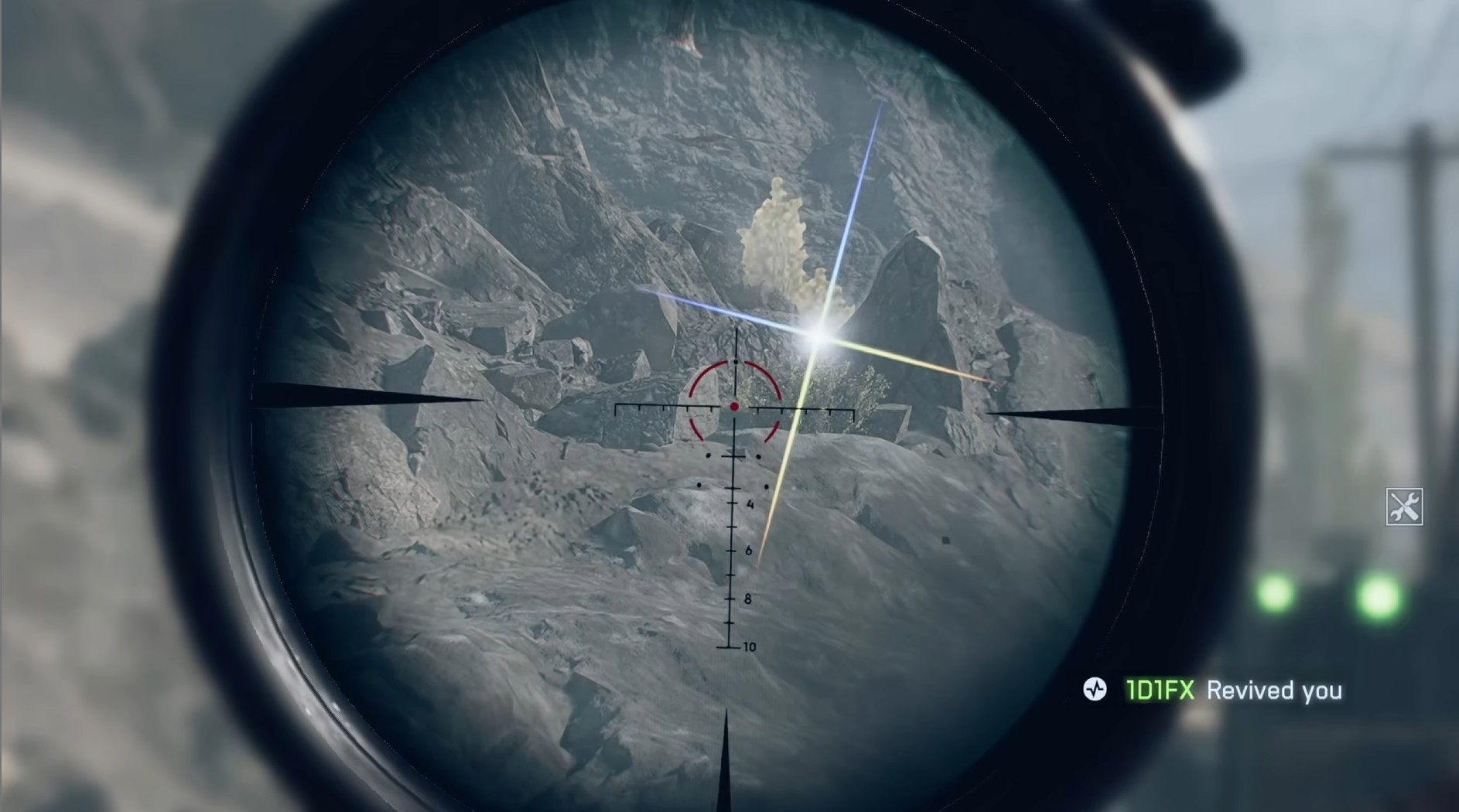
Sniper rifles in Battlefield 6 bring back the classic sweet spot mechanic. Each rifle has a range where upper-body shots deal 100% damage.
If you see a sniper glint with a rainbow shimmer, that means you’re in their sweet spot range — get to cover fast!
Learning these distances and using Recon’s passive aim-spot ability together makes you a deadly marksman.
Conclusion
These Battlefield 6 launch tips will help you get ahead from the first match — better visuals, faster settings, and smarter gameplay.
For faster progression, you can always use our Battlefield 6 Account Leveling Service or Battlefield 6 Weapon Leveling Service to skip the grind entirely.
And if you want to explore all options, don’t miss our Battlefield 6 boosting page for more ways to dominate the game.
Now that you know how to optimize your setup, tweak your settings, and start grinding efficiently — it’s time to jump in and make your mark on the battlefield.

Top 50
Get your Battlefield 6 rewards now.